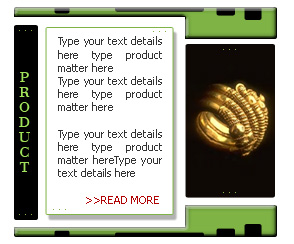
Create a rounded rectangle using rounded rectangle shape tool.
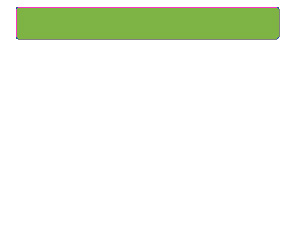
Enable "subtract from shape area" at the top bar. Create a rounded rectangle using rounded rectangle shape tool.
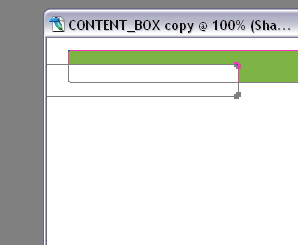
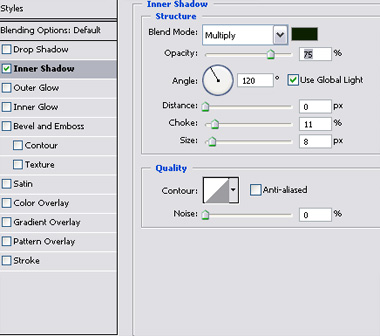
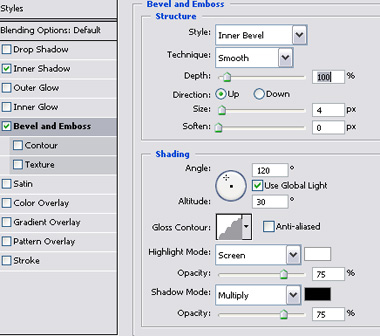
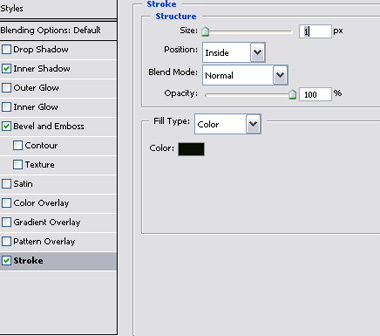
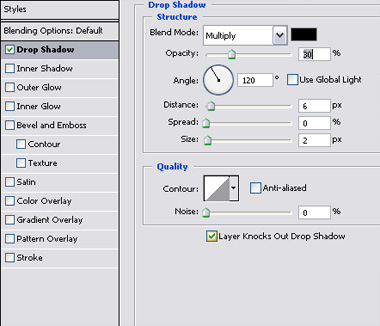
Double click the layer to open layer style window. Apply settings as shown.
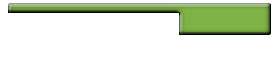
Duplicate the layer and remove layer styles. Enable "intersect shape areas" at the top bar. Create some rectangles using rectangular shape tool.
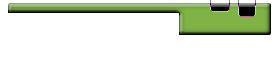
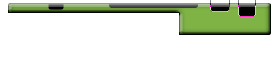
Duplicate both the layers. Press Ctrl+T. Right click and select Flip Vertical and place on the other side. Create a rectangle using rectangular shape tool.
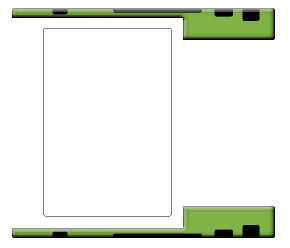
Double click the layer to open layer style window. Apply settings as shown.
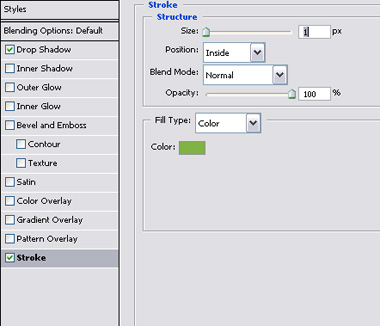
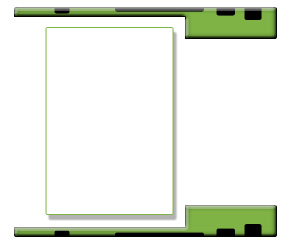
Create two more rectangles as shown.
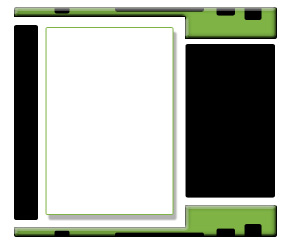
Populate the content box by adding image, details and product name. Add some small dots using pencil tool.