


In this tutorial I'll show you how to create a nice Nintedo Game Cube in Photoshop using only pencil tool.
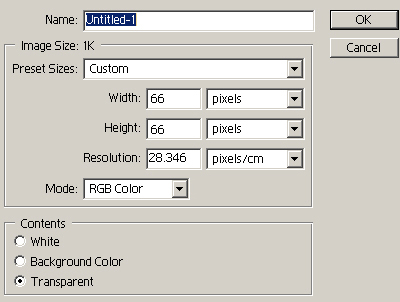
1. Open Adobe Photoshop and create a new 66x66px transparent document.
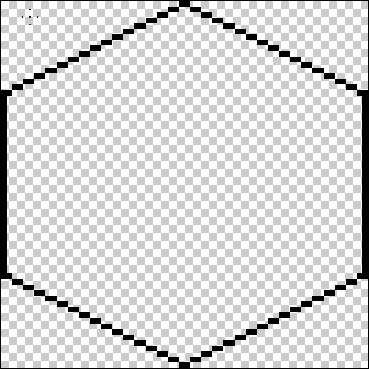
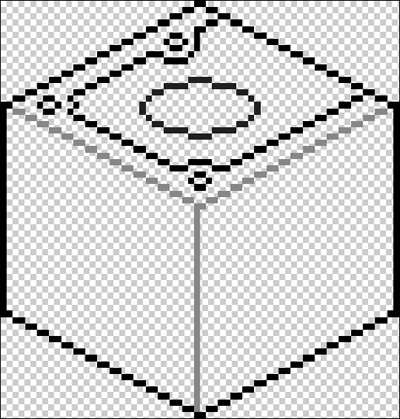
2. Now select 1px Pencil tool and draw the game cube black outline.
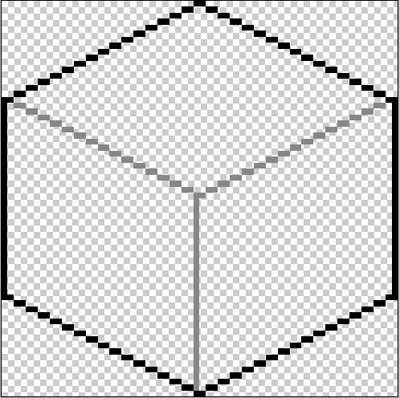
3. Now add inner lines (#878787 color).
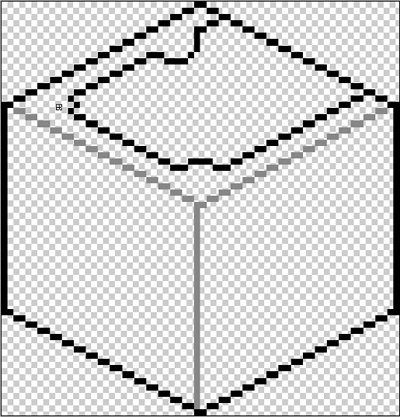
4. Now draw black CD port.
5. Add buttons and some more details.
6. Add control ports.
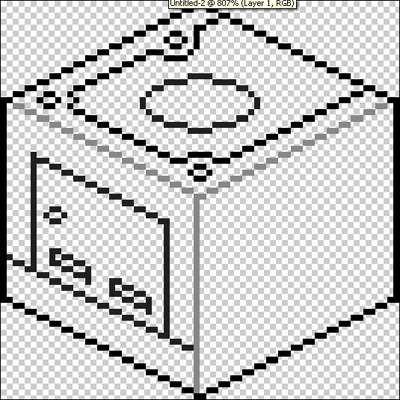
7. Add some more details on the front of game cube.
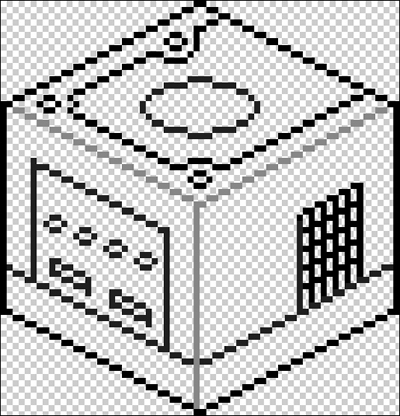
8. Now start coloring Game Cube. Use #545E99 color.
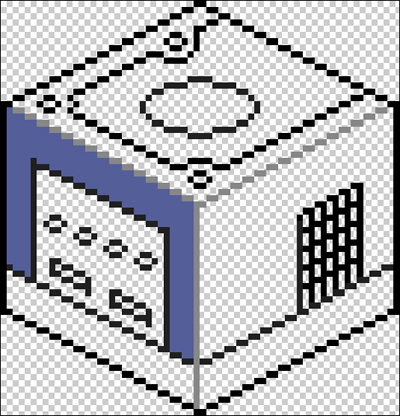
9. Continue coloring game cube.
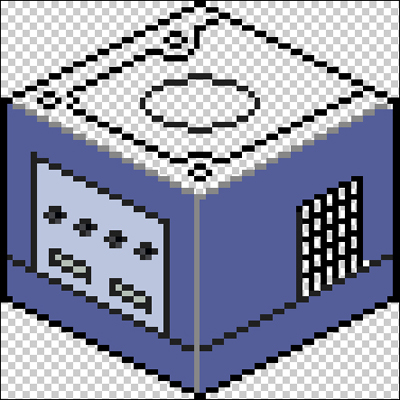
10. Continue coloring using different colors as shown below.
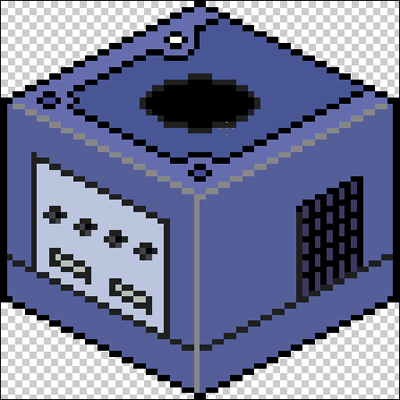
Here is my final result:


