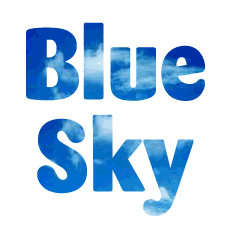
A mask is a vector path which allows part of an object to show while blocking out the rest effectively making part of it transparent. A mask in an illustration program is functionally equivalent to a clipping path in an image editor.
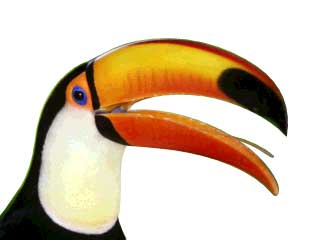
1. Take for example a photo. You can create a mask which will knockout the background.
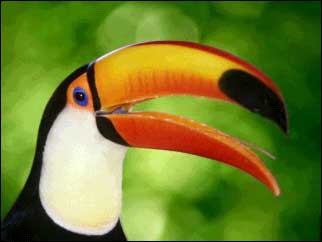
2. Using the Pen, draw a path around the bird in the photo.
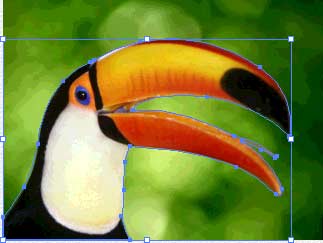
3. This is a view of the path only.
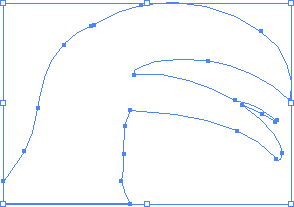
4. When the path is made into a mask and combined with the background image, the background becomes transparent.
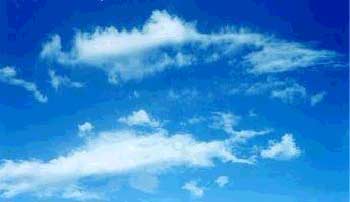
5. Masks can be made to create many kinds of effects. A type mask can be combined with a background photo.
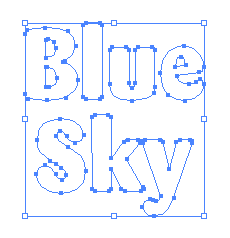
6. This is the mask created by converting type to curves.
7. This is the type mask when combined with the background image.