This tutorial is still fairly easy.
1. Get an image. I'm using an image of Rachel McAdams from Mean Girls.
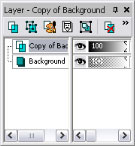
2. On your layer to the right, right click on "Background". Select the option "Duplicate".
Note: Make sure you do all of the following steps on the layer "Copy of background".
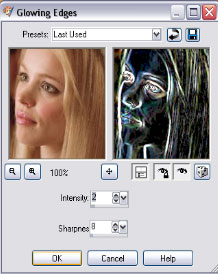
3. Effects > Artistic Effects > Glowing Edges
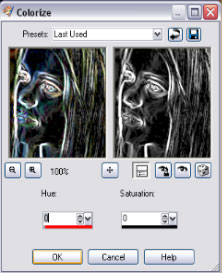
4. Adjust > Hue and Saturation > Colorize
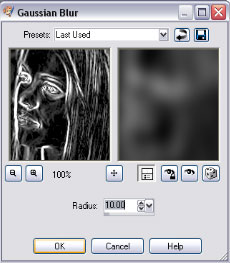
5. Adjust > Blur > Gaussian Blur
6. Adjust > Hue and Saturation > Colorize
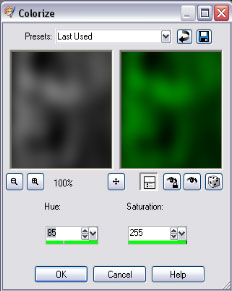
7. On your layer box on the right, right click on "Copy of background". Click on "Properties
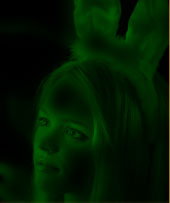
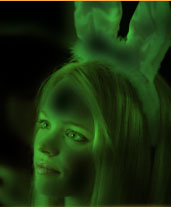
Here ia where you have some options. To have the night vision effect darker, set the blend mode as "Multiply". To have a brighter night vision effect, set the blend mode as "Hard Light".
You're done! I hope this helped!
The multiply blend:
The hard light blend:
Note: If you want to have the Infrared camera effect, follow this tutorial except use the color red instead of green.
