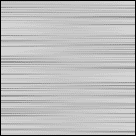
Make a metal texture. It will be usefull for you other designs.
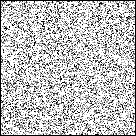
1. Open a 200*200 document and go to FilterNoiseAdd noise and do as shown below :
Distribution : gaussian
Monochromatic : checked
Amount : 60
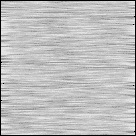
2. Select FilterBlurMotion blur
Angle = 0
Distance = 30
3. Do the same in prev step but set Distance to 200
Final!!