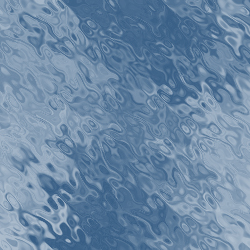
To create an effect "water" with Photoshop:
1. You open one new image with transparent background (dimensions to it appeal to), resolution 72.
2. Set color of a beautiful blue, as an example R=0, G=50, B=100 and set background color the classic white R=255, G=255, B=255.
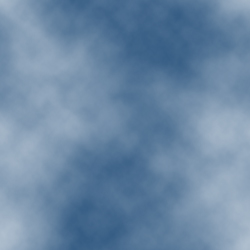
3. Filter > Render > Clouds
4. Filter > Distort > Effect Ripple and setting up the filter one before time with Amount=999 and Dimension=Large
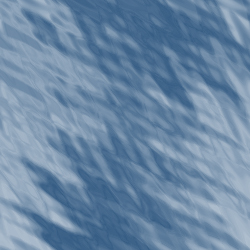
and second time with Amount=999 and Dimension=Medium