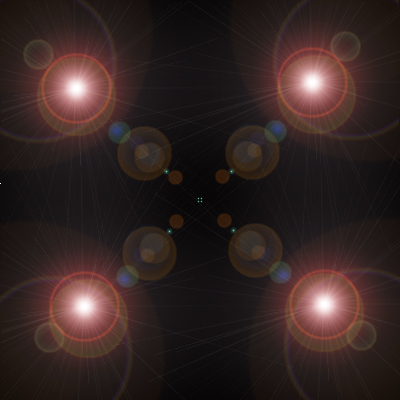
1. Create a new document. Fill in the background with black. Then go to Filter > Render > Lense Flare. Use the 50-300mm Zoom. Repeat this four times in the locations indicated below.
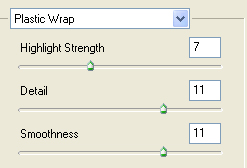
2. Go to Filter > Artistic > Plastic Wrap. Use these settings below.
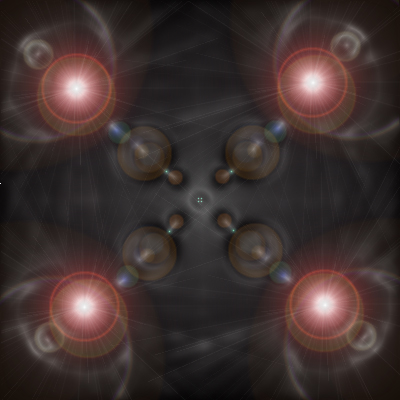
3. Resulting image below.
4. Go to Filter > Distort > Polar Coordinates. Be sure to go from rectangular to polar.
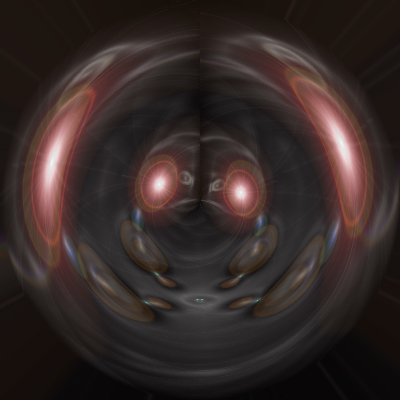
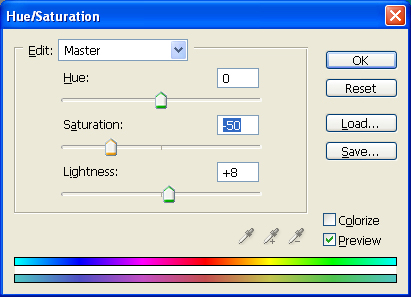
5. Now change the hue / saturation by going to Images > Adjustments > Hue / Saturation. Use the settings below. Be sure to note that we did NOT check the Colorize box.
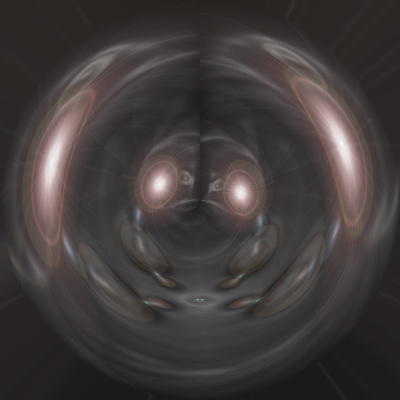
6. Now go to Image > Adjustments > Brightness / Contrast. Change the settings until you get a similar image to that below. And when you are finished, you will have a VERY attractive silver orb.
7. But we know that silver is a cool color, there are other good looking orbs too. Below are other versions of the tutorial that use different colors and brightness / contrast settings. Look below.
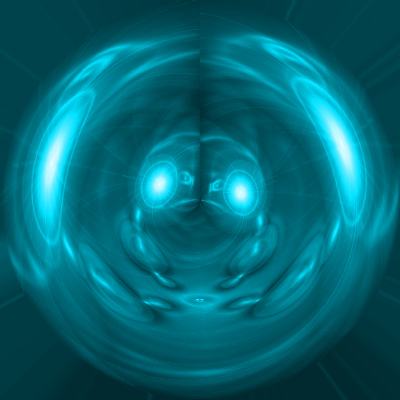
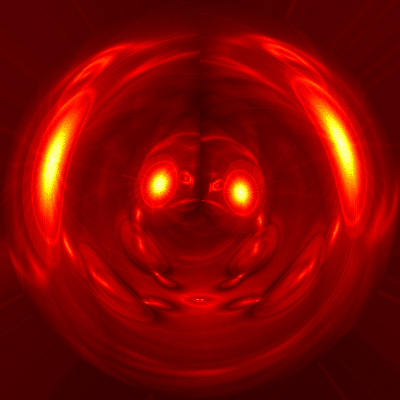
8. Below is a fiery version. These variations go to show that you can get many different results from the same tutorial. All of them look amazing!