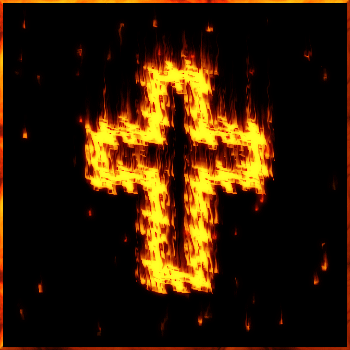
This tutorial is very simple and fun. I will show how to make multiple tiny flames.
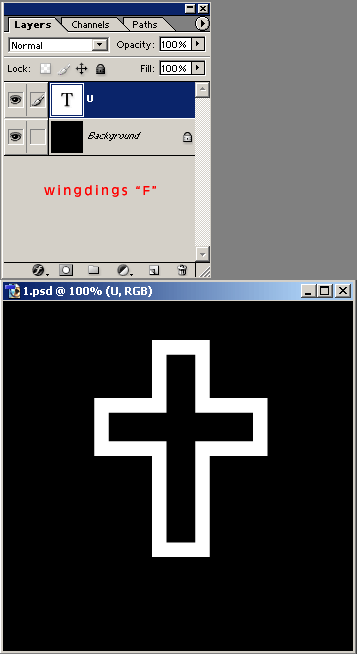
1. Create a new document; RGB; 350px *350 px ; 72 dpi; use black as the background color .
2. Select the Text tool. Choose the Windings font and type "F" (for example) . If you don't have this font, draw a cross yourself.
3. Rasterize this layer (Layer-->Rasterize--->Layer).
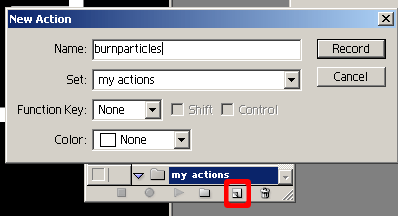
Now let's create our action. In the actions palette, click on the "Folder" icon. In the "New Set" window, give a name to your set. I've named it "my actions". Click "Ok".
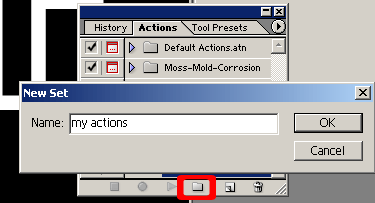
Then click on the "New Action" icon. Name it. I've named it "burnparticles". Click on "Record".
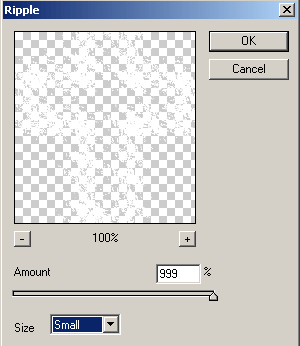
4. Now apply Ripple filter. Filter--->Distort--->Ripple. Use my settings.