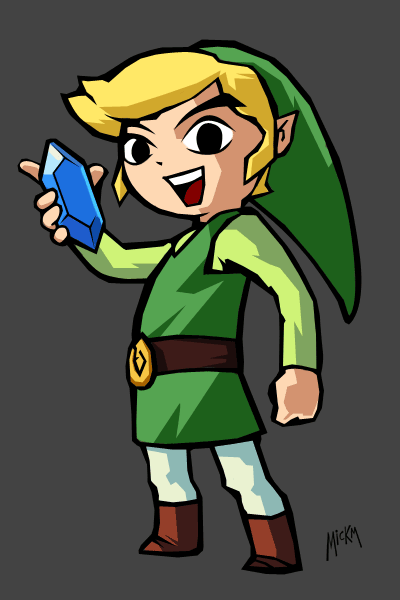
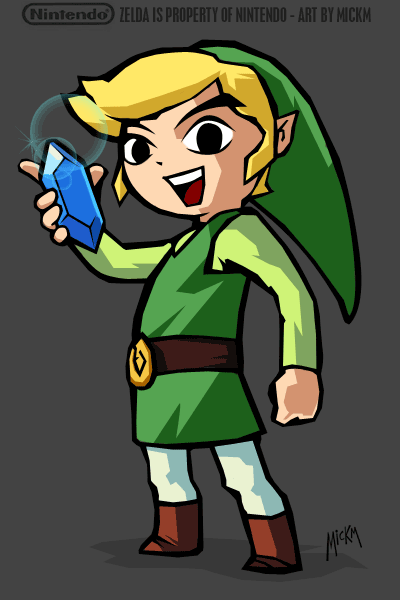
Learn how to draw Link, one of the most legendary game-characters from the Zelda-series...
Step 1
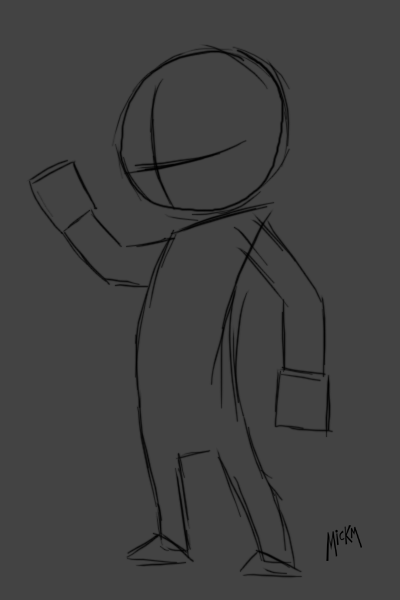
Start by sketching a circle as a head with a cross in it and a body. The cross determines where the eyes and the nose and the mouth will be. The eyes will be on both sides of the upper side of the cross. The nose in the middle and the mouth on the lower side of the cross.
The body will just be a simple rectangle and as for hands and feet, draw shapes such as a rectangle or a triangle;
Step 2
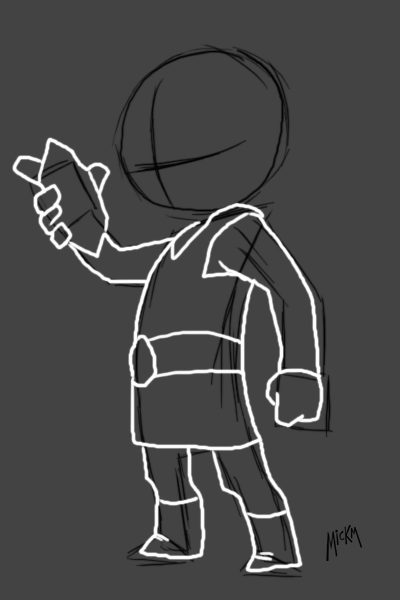
Now finetune it by sketching the body. I started with the hands that hold the rupee. Give the rupee a simple shape. We will cover that later. Also make sure you got Link's position correct. He's facing a little bit forward and to the side so keep that in mind.
Step 3
Now perhaps a hard part. Do as I told you with the placement of the face. Give Link a round face with spiky hair and a long cap. Also finally finish the rupee.
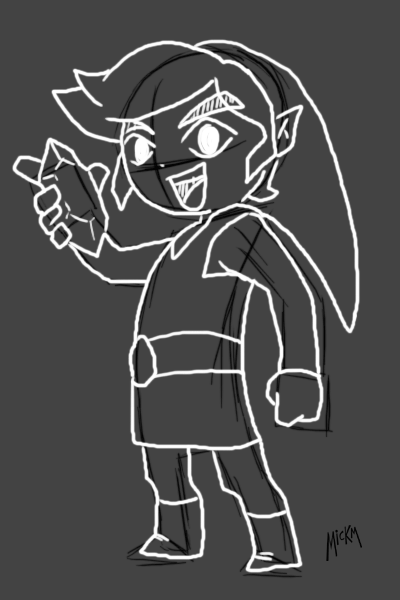
Step 4
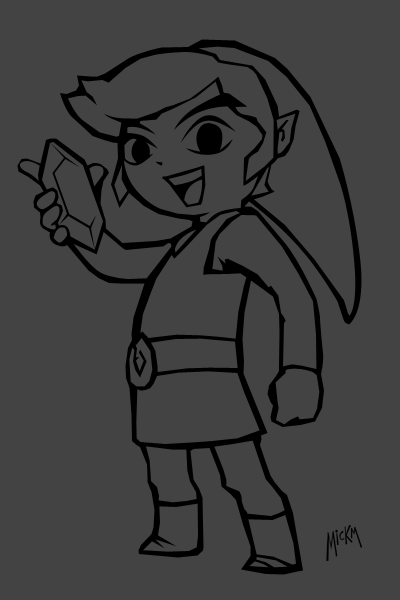
Congratulations! You got messy lineart! Now is the time to get out the Pen-Tool and trace the entire lineart and fill it with black on a new layer;
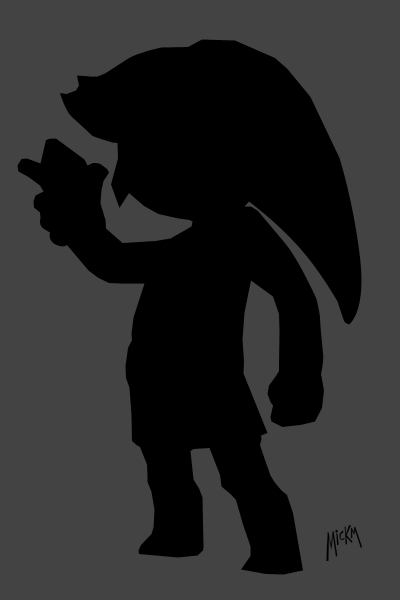
Step 5
Now just cut out pieces making the black layer being the lineart. If you do it messy, but good, it will look just like the Nintendo-art;
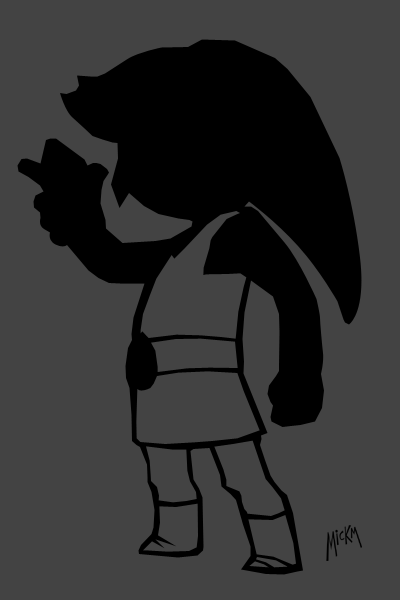
Step 6
At this point you can't make mistakes. You must try to make everything perfect and fix everything up!
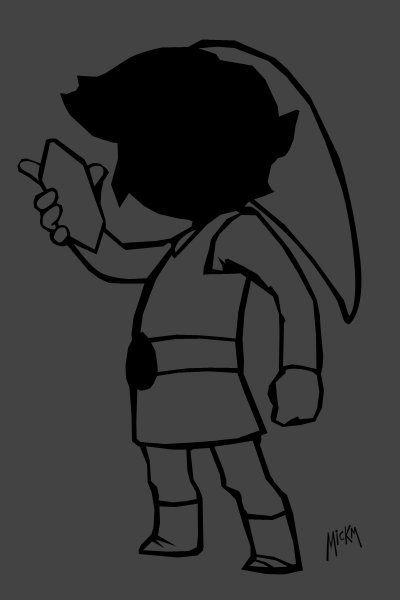
Step 7
Once done you got a real Zelda-Lineart piece!
Step 8
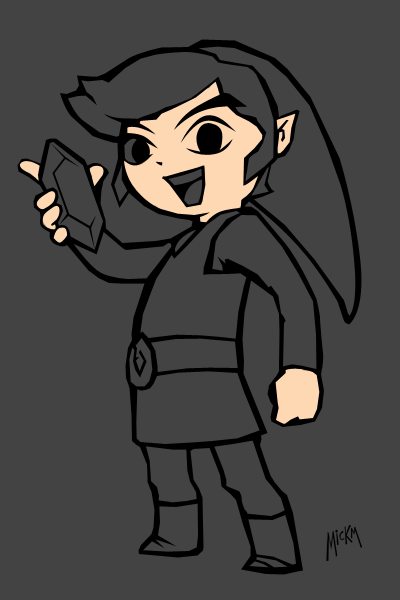
Begin making layers below the lines and color the different area's;
Step 9
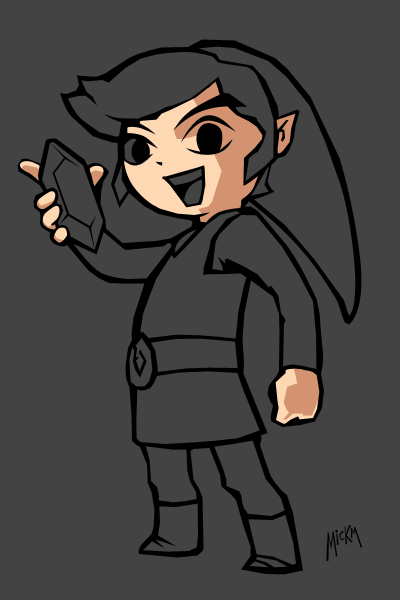
Each area (layer) should have 1 layer above it which has the shadow-shade grouped to that particular layer (Ctrl+G);
Step 10
Continue doing everything;
Step 11
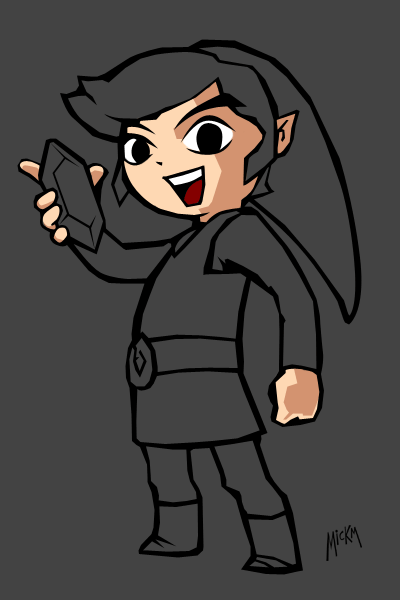
If you're unsure about the shades or the colors, just open google and search for the real art to see the colors...
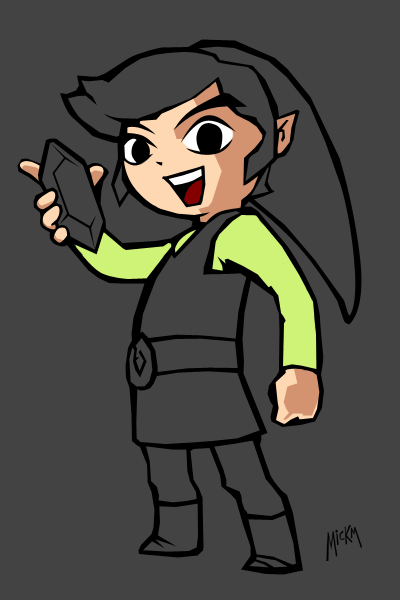
Step 12
Remember to shade that good that it looks messy. If you shade messy, it will look crap.
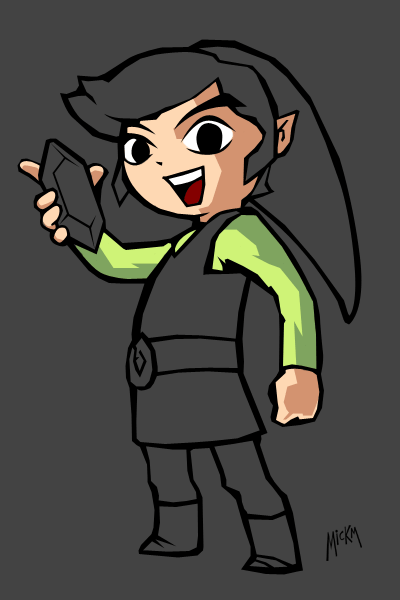
Step 13
And after a while...
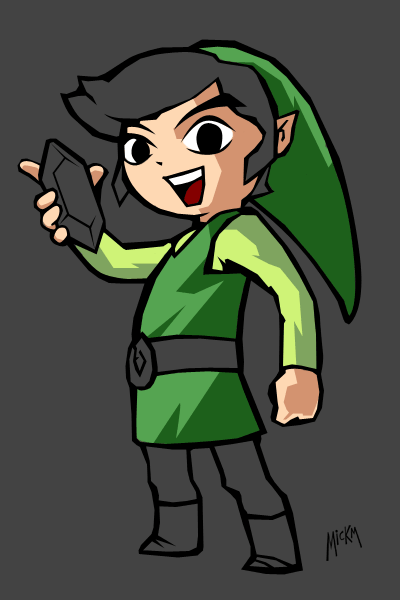
Step 14
...your character...
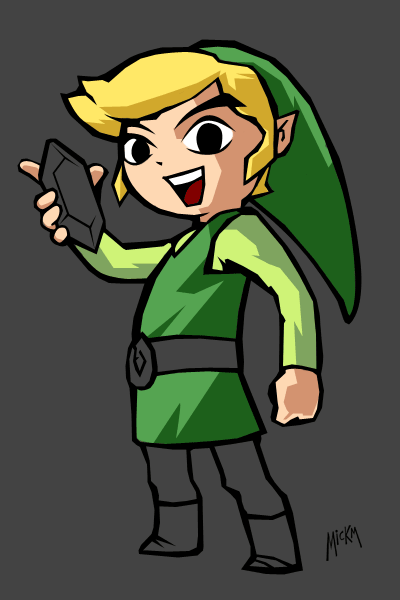
Step 15
...starts to get color!
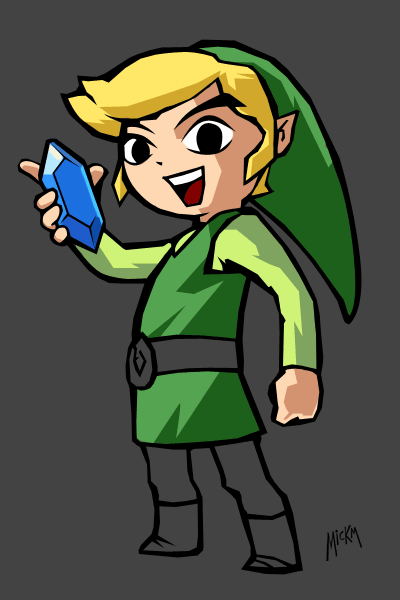
Step 16
Keep in mind that you got only 2 colors for an area each. A normal color and a shadow-color!
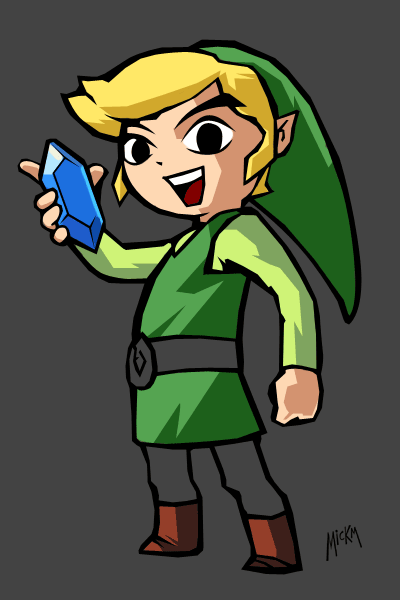
Step 17
Nearly done now...
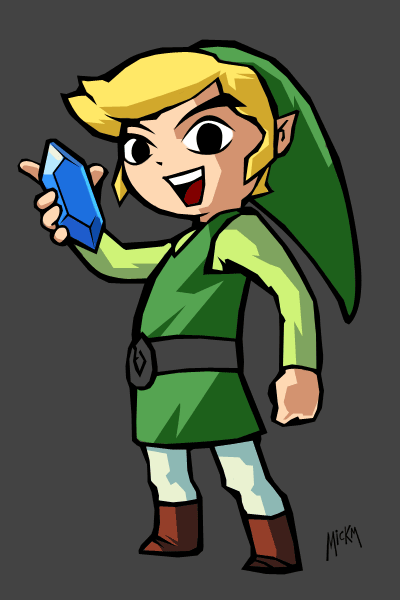
Step 18
As you may have noticed, my rupee has a little bit more detail. You can choose not to have that as well.. I just wanted to focus all the attention to the rupee...
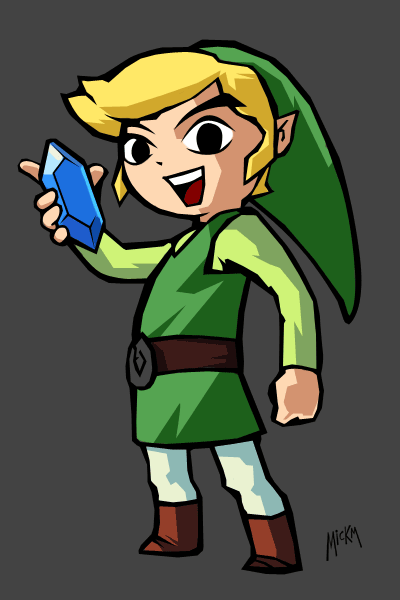
Step 19
And there you have it. Link from The Legend of Zelda!