


Learn how to let 2 bars overlap each other...
Step 1
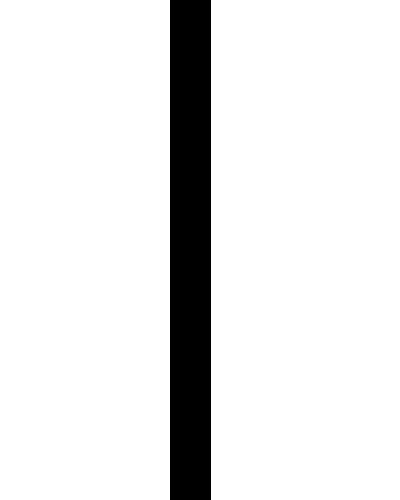
On a new layer, create a black bar of any length;
Step 2
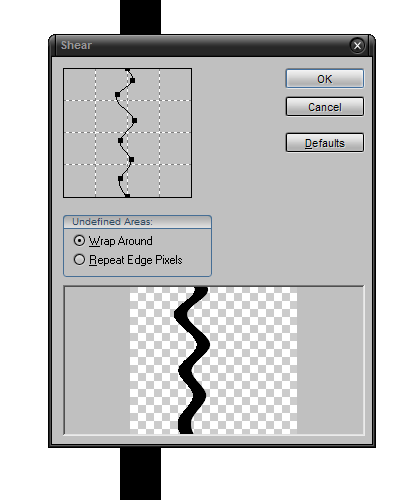
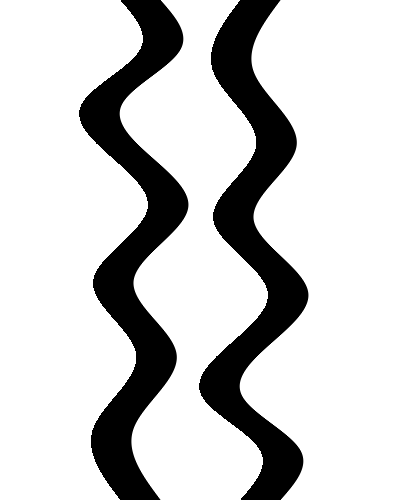
Go to Filter>Distort>Shear and try to come up with something curvey like mine;
Step 3
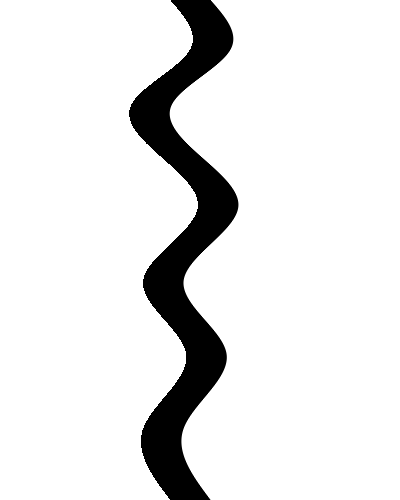
Once ok is pressed, it should look a bit like this;
Step 4
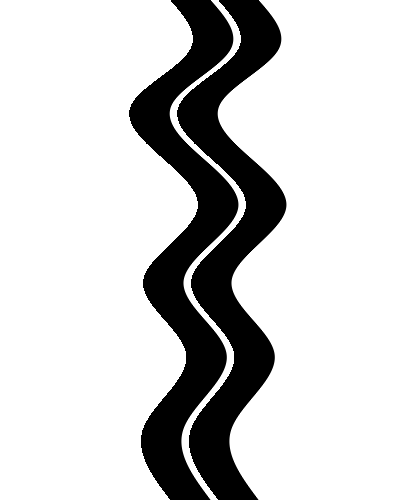
Duplicate the layer by pressing Ctrl+J;
Step 5
Flip that layer horizontally;
Step 6
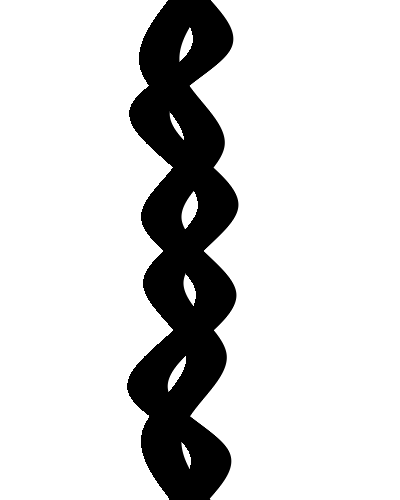
Place the 2 layers on top of each other;
Step 7
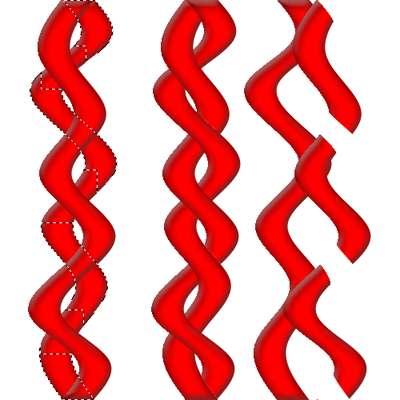
Then select one of them and erase small pieces of it like it's curling over the other bar;
Step 8
After you've done that, it should look like this;
Step 9
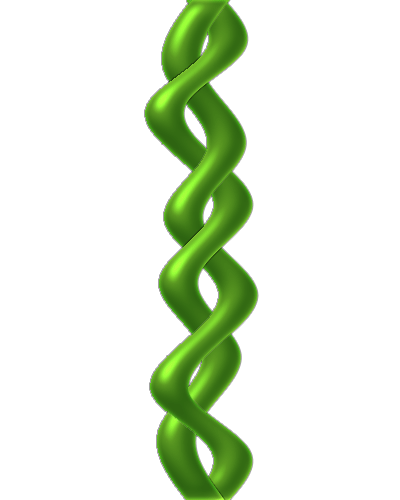
Open a new layer between both bars and start brushing some black very blurry and lower the opacity;
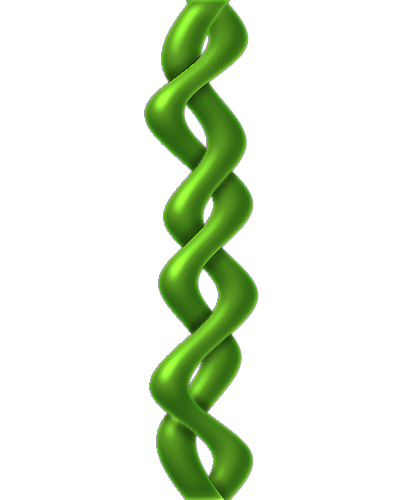
Step 10
And this technique can be used in many different settings...
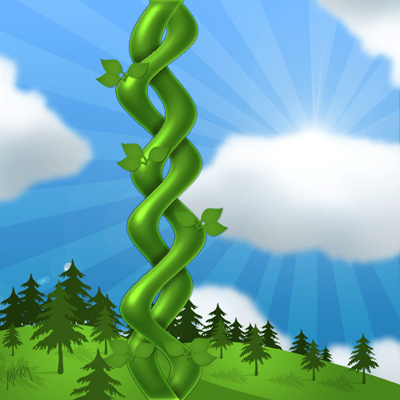
Click to enlarge
