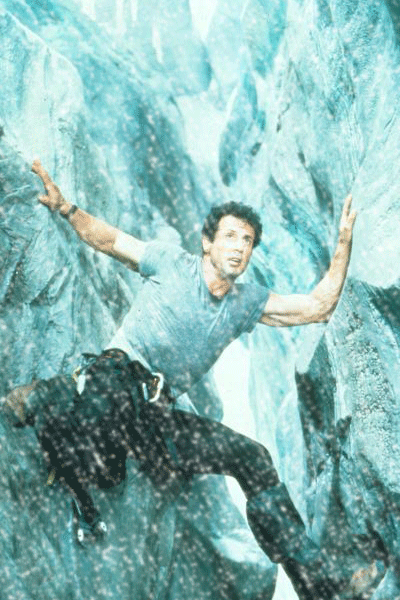
Learn how to add snow to your photo's!
Step 1
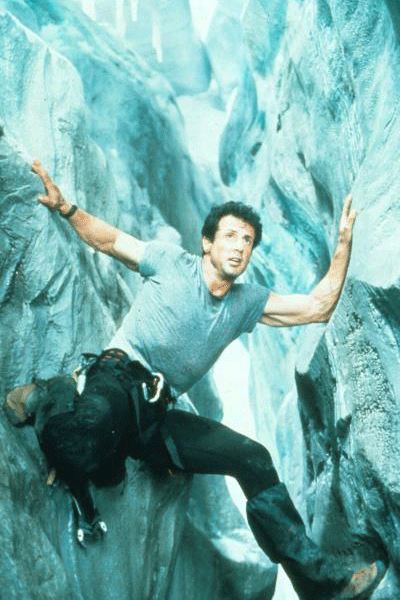
Open up a random photo. I chose one of Sly a.k.a. Silvester Stallone, because he just still kicks ass!
Step 2
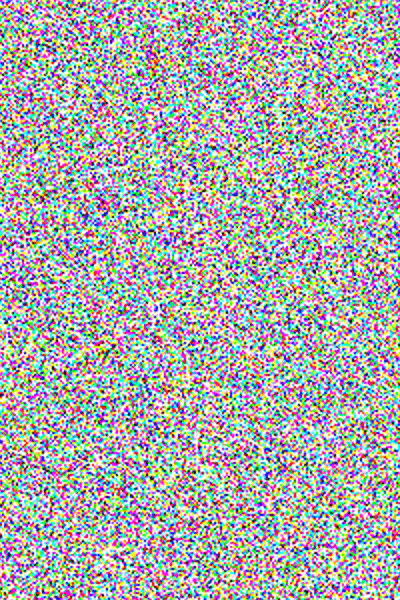
Next up is to create a new layer and fill it with white. Then go to Filter>Noise>Add Noise and set it to the max without having the box for "monochromatic" checked.

Step 3
Then press Ctrl+T and transform the layer to 150% size (width and height);
Step 4
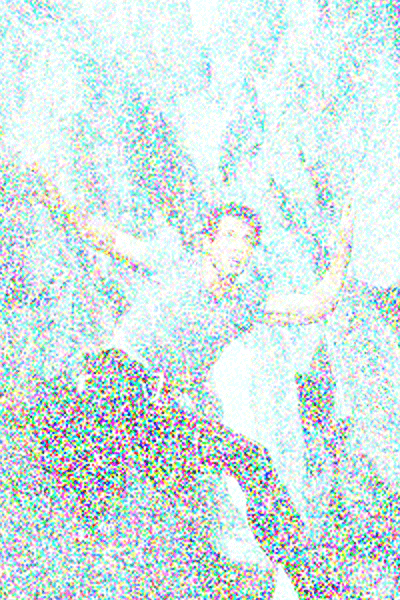
Set the blending-mode to Screen;
Step 5
Then go to Image>Adjustments>Threshold and set the amount to 250;
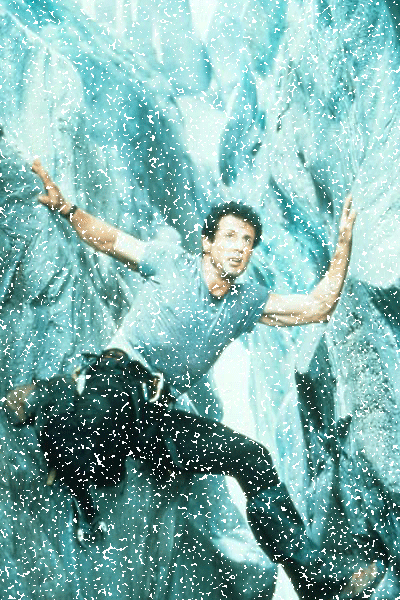
Step 6
Then go to Filter>Blur>Gaussian Blur and choose something below 1;
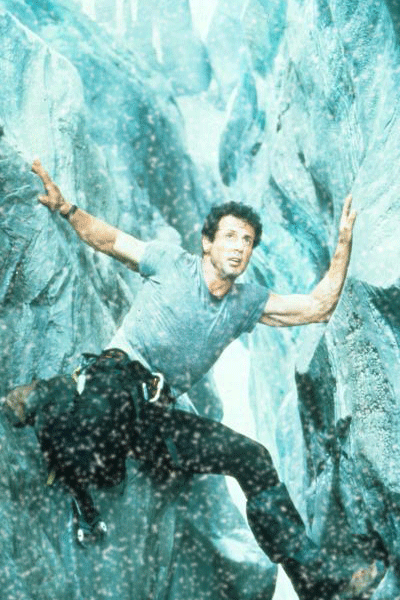
Step 7
Now press Ctrl+J to duplicate the layer and go to Filter>Blur>Motion Blur and set a desired angle and set the amount for 10-15;