


1. Create new file.
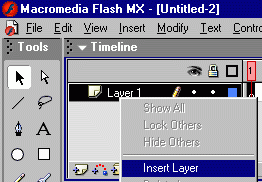
2. Insert new layer by right clicking the "layer1".
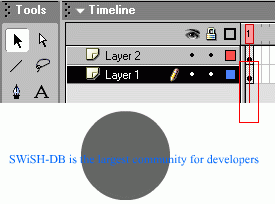
3. Write text in the top layer "layer2", text is "SWiSH-DB is the largest community of developers".
4. Click on "layer1" and draw a circle (which will be the mask)..
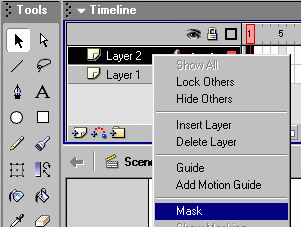
4. Right click on "layer2" where we added text and click on Mask
Thats it.
