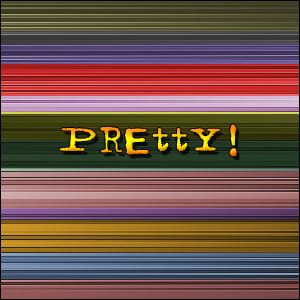
Program: Photoshop 5.0+
1. Press D to reset your colors. Create a new 300x300 RBG image.
2. Go to Filter -> Render -> Clouds.
3. Go to Filter -> Brush Strokes -> Ink Outlines. Settings:
Stroke Length: 5
Dark Intensity: 20
Light Intensity: 10
4. Go to Filter -> Blur -> Motion Blur. Settings:
Angle: 0
Distance: 725
5. Now use the Rectangular Marquee Tool and cntrl+U to color it.
You will get something like this: