

Create a file 550x400 px and 72 dpi.Use the next instrument
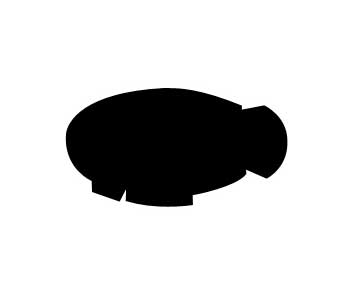
 to create figure like in the picture.
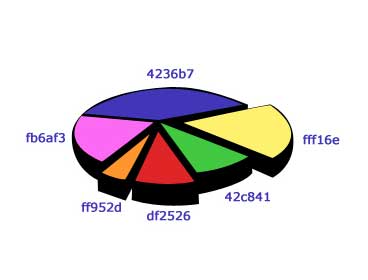
Choose the same instrument to create figures of different colors. The color codes are indicated in the picture.
Take the next instrument
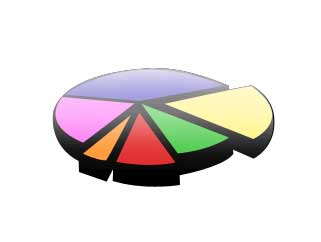
 now on a white layer and picture a highlight of white color also with 10% Opacity.
Under all the layers, introduce the text, using the instrument
 , Font (Arial Black), and type of 72 pt.

Copt this text now and using Free Transform now, turn around the text and move it a little lower.

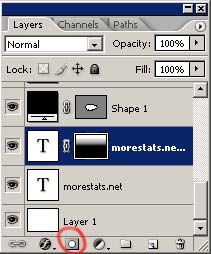
Create a mask on this layer. Use the instrument
and black color to erase uniformly the lower part of the word.

The final result!
