

First create a new file 550x400 px and 72 dpi.
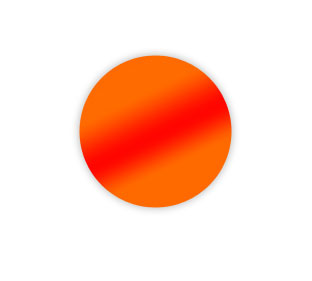
Draw a circle now, using the instrument
 . The parameters should be the same from the picture.
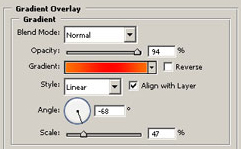
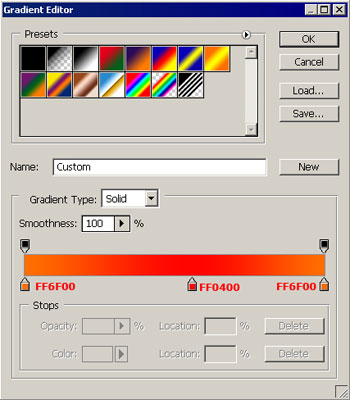
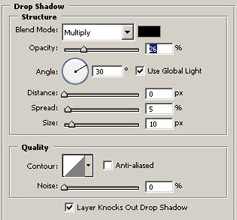
Now make small circles inside the previous one with the same parameters form the picture.
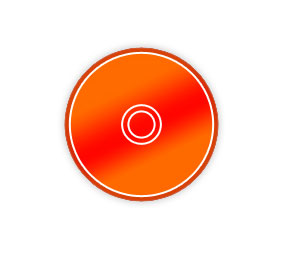
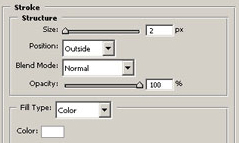
In the Layers Window set Fill 0%. Use the function Free Transform to minimize the circles. The last circle has the same adjustments like in the picture.
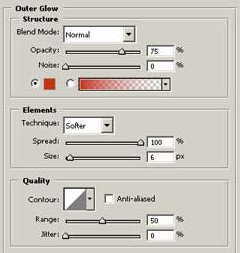
The instrument
 will help us to create figures like the next ones.
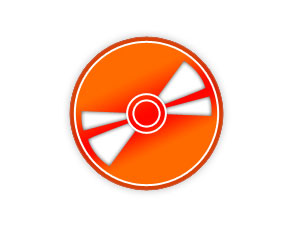
Parameters…
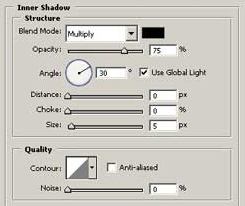
Use the same instrument to create a flame. The parameters are also indicated in the pictures.
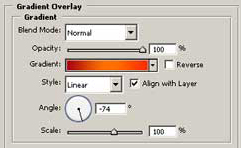
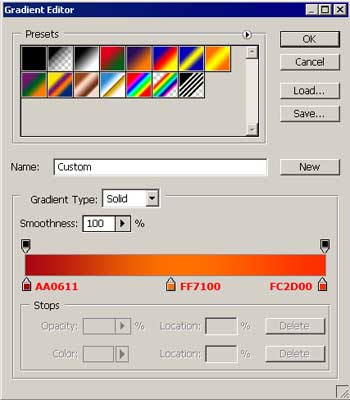
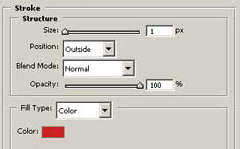
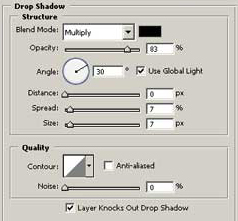
Copy and turn it around horizontally, using Free Transform.

Add the text in the end with the instrument
 . The font should be Verdana.

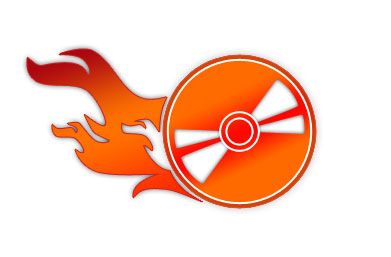
The final result.
