
Create a file with 500x628px and 72 dpi. Gradient the layer, using the function Blending Options, like in the picture.

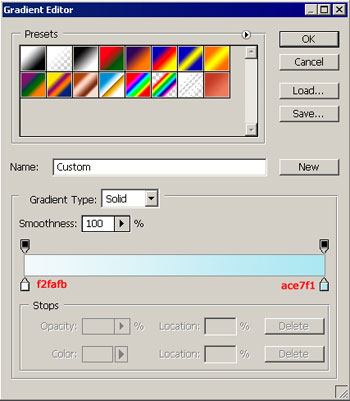
The next instrument
 will help us to draw a figure like in it shown in the picture. The color code is indicated.
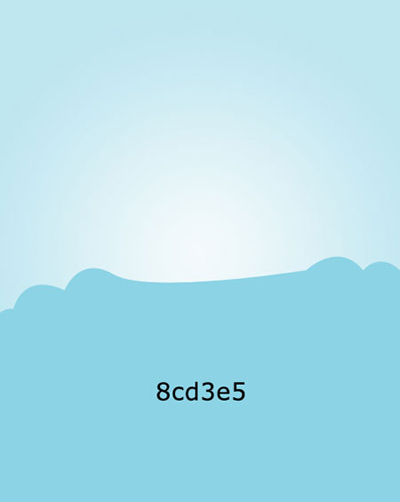
Use the same method to draw the rest of the figures.
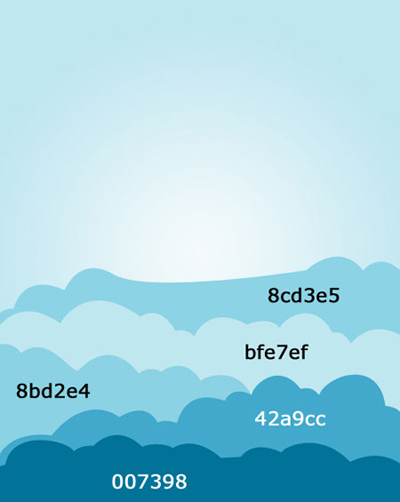
Use the same instrument to create a figure like the next one.
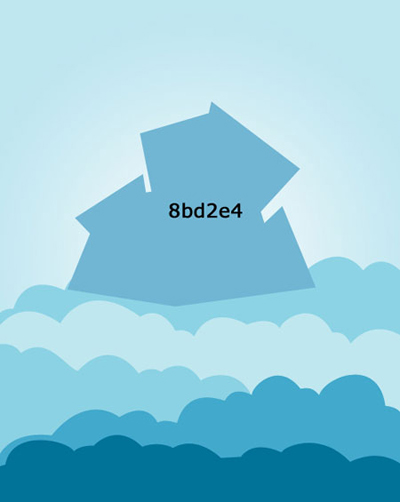
The instrument
 gives the possibility to draw stars. The color code is a7dcfe.
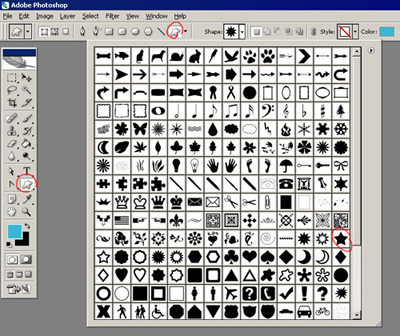
The instrument
 will distort our stars, because they should be seen in perspective.

Take the instrument
and draw several stripes. The color codes are 29758d and alf8ff.

Take a multi angular star from the same place we took the rest of the stars.
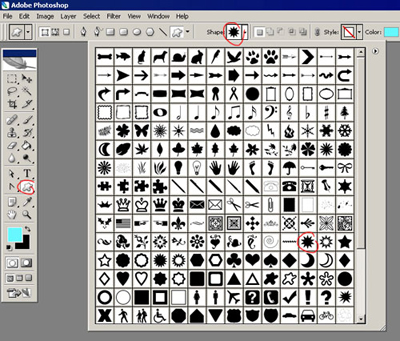
Display them like it is shown in the picture.

Add now the circles, using the instruments
 and
. The color codes are 013354 for the circle and 025984 for the circumference.
and
. The color codes are 013354 for the circle and 025984 for the circumference.

The last feature includes multi angular stars, but this time with the outlines.
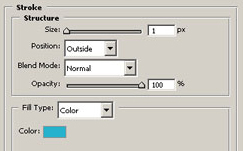

The final result.
