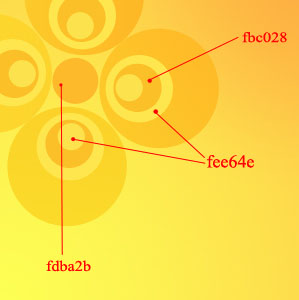
Create a background with 600x600 dimensions and 72 dpi and paint it with the gradient (instrument
 ), like in the picture where are indicated also the color codes.

Then draw the circles (Instrument
 ), placing them one above the other. The biggest one paint with the gradient (Blending Options).
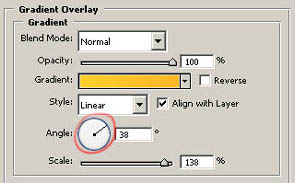
Using the instrument of directing the gradient, choose the result the most resembling.
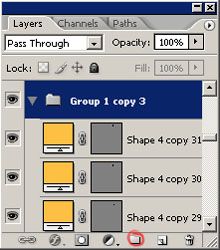
For your convenience, you may put together in a group all the backgrounds, relating to the figure with circles. An example is demonstrated below.
Copy the group with the figures and display them in the right lower corner.

Continue to copy the groups and diminishing them, transforming using Free Transform. Change the circles’ color intensity in some groups.

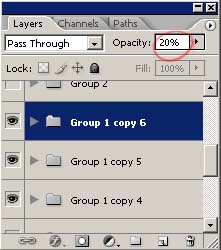
Use the Opacity instrument to change the transparency.
Add several butterflies in our picture

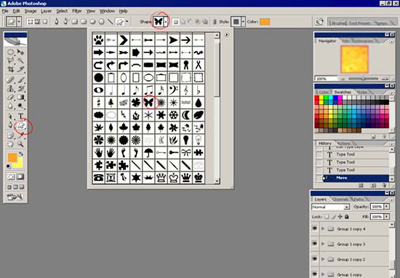
Display them like in the picture.
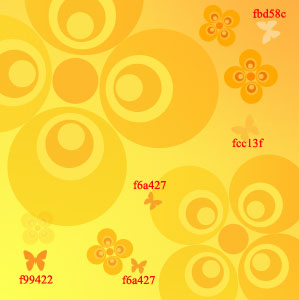
Now draw the stems using the instrument
 . The color codes are f9a129 and f0a911

The final result.