

Step 1.
Start a new document that is any size, I'm using 500x400 for this tutorial. Fill the background with black (#000000)
Step 2.
Next set your foreground color to red (#FF0000), get out the brush tool and set it up like so:

Now draw a random shape near the middle of the canvas as I've done here.
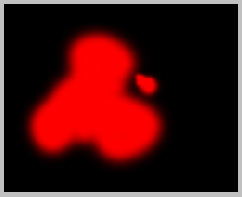
Step 3.
With the brush still set at 80 pixels in diameter, set your foreground color to yellow (#FFFC00) and trace the inside of your shape as I've done here:
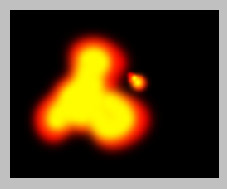
Step 4.
With the brush still set at 80 pixels in diameter, set your foreground color to white (#FFFFFF) and trace around the inside of your shape once again this time inside of the yellow, as I've done here:
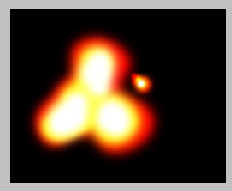
Step 5.
Next go to Filter->Blur->Gaussian blur with a setting of 45 pixels:
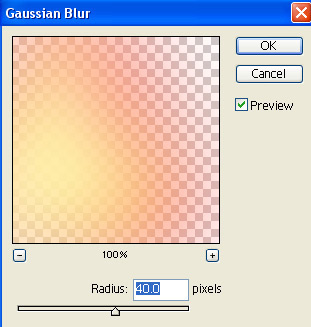
Step 6.
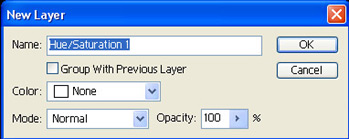
Go to Layer->New Adjustment Layer->Hue/Saturation.
Press okay.
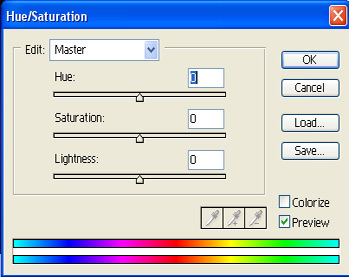
Press okay.
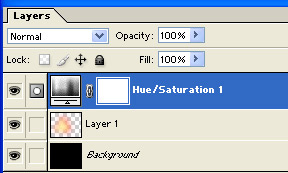
Your layer pallet will now look like this:
Step 7.
Create a new layer, and press 'D' on your keyboard. (this will set your foreground color to black, and your background color to white)
Go to Filter->Render->Clouds and press Ctrl + F to repeat the effect 2 times.
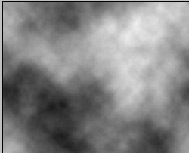
Change the blending mode of this layer to "color dodge"
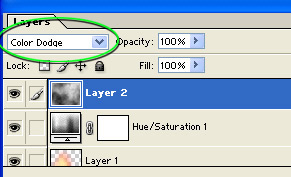
Next got to Layer->New Adjustment Layer->Levels
Press okay.
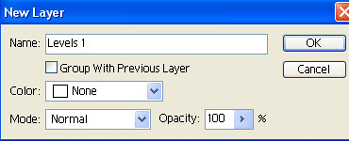
Press okay.
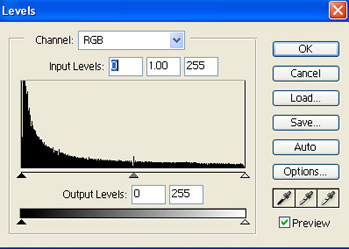
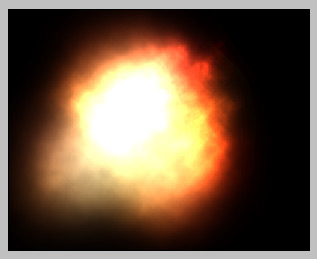
Result:
Step 8.
Now we'll add some stars for the background, this is very easy. Create a new layer. And fill the background with black (#000000).
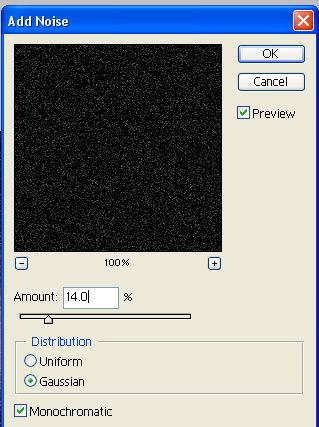
Go to Filter->Noise->Add Noise and apply these settings:
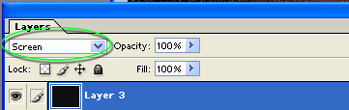
Change the blending option of this layer to "Screen"
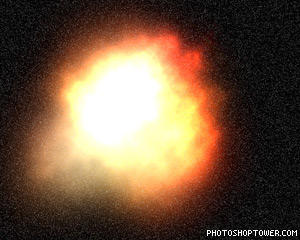
Result:
After playing around with the image for a bit I was able to create this piece. Really the only difference is a slight Opacity to the "explosion" layer, and a tint of blue added to the outside of the explosion to add a more dramatic contrast.
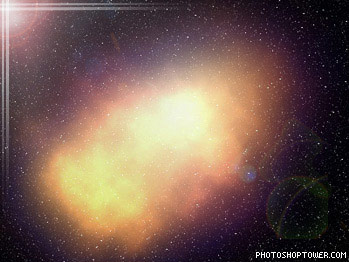
Adjusting any of the steps in this tutorial will create a completely different effect. Experimentation is the key to photoshop. Have fun and enjoy!
