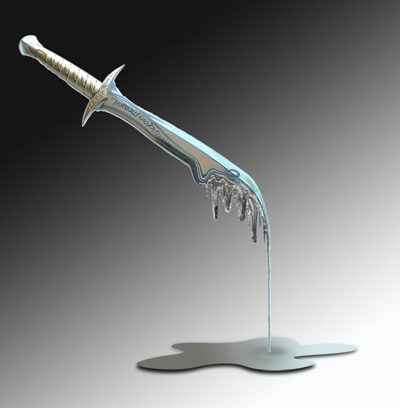
In this tutorial you will learn to create a melting metal effect. For this I picked a sword photo, but you can use the same technique on any photo containing a metal object.
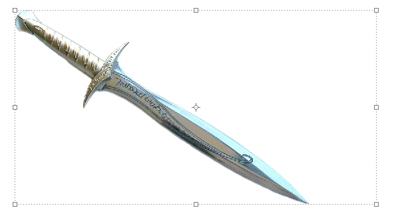
We will do all this using only the standard Photoshop CS features, no plug-ins, no downloads. Ok, let's get started
1. Melting the sword.
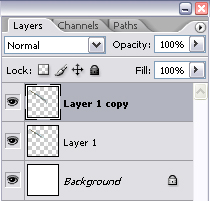
First, create two layers for the sword (or whatever metal object you want to melt).
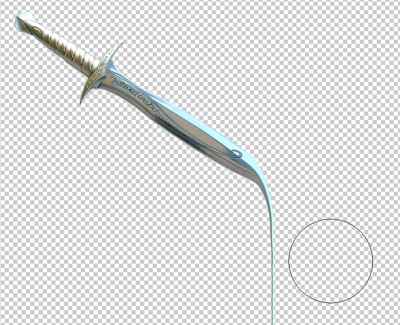
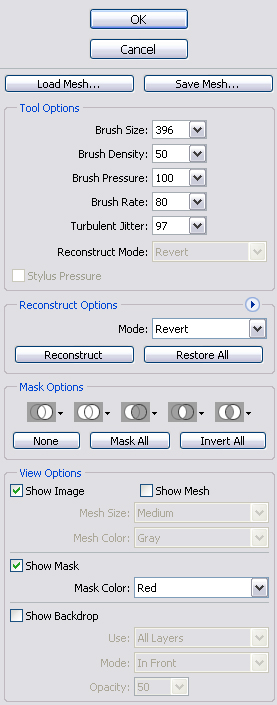
Go in the filter menu and choose "Liquify". I used a very large brush for the tip of the sword, and then I gradually decreased the size.
Use your imagination when brushing the photo,in order to obtain a realistic effect.
Tip: for best results, use small brush strokes, and hold the left mouse button for a couple of seconds at the end of each move
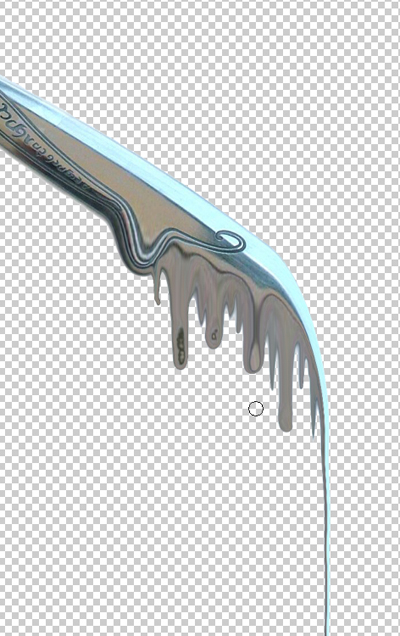
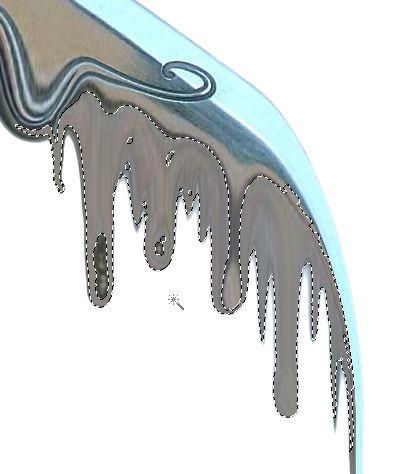
Use the "Magic Wand" selection tool and select the melting area. Then go to the Filters menu.
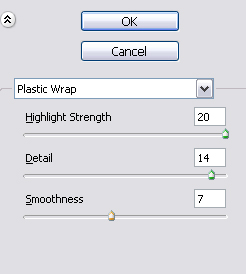
Choose Artistic Plastic Wrap with the same settings as shown below.
After that, just pick up the Eraser tool, set the pressure to 25-30% and start making corrections by deleting small areas from the first layer until you are satisfied with the result.
At the end, the image should look something like this.
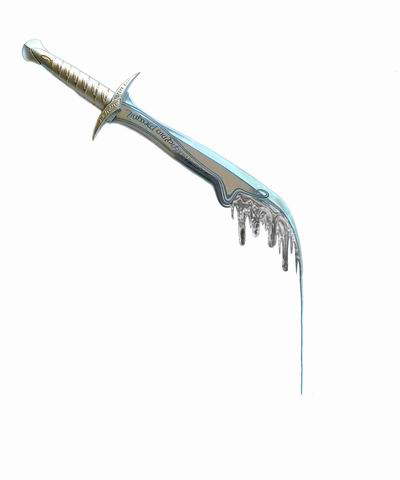
2. Melted Metal.
Ok, let's create now some melted metal. First, create a new layer. In this layer make a selection using the Lasso Tool, then use the Paint Bucket tool to color it black
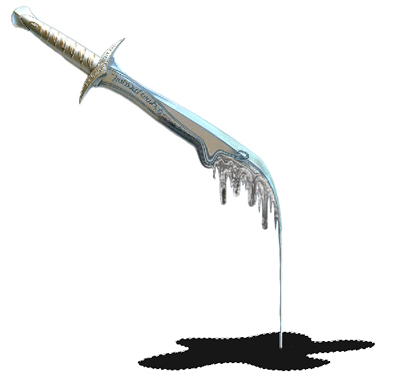
Duplicate the layer. Now use the Eyedropper Tool and pick two colors from the photo (a dark tone and a light tone).
With the colors set, use the Gradient tool on the new layer.

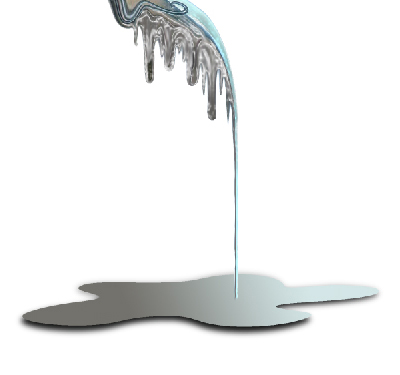
Decrease the size of the second layer and move it up just a bit.
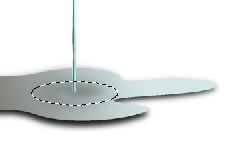
Make an oval selection and use Filters (distort and twirl)
That's it! Congratulations for melting metal in Photoshop