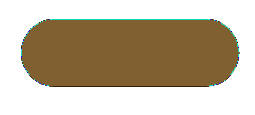
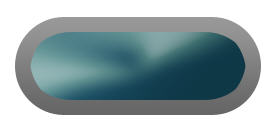
1. Start with your new document and Create a New layer, call it Base layer. Select Rounded Rectangle Tool, set its radius to 50px and draw a large rectangle as shown below:
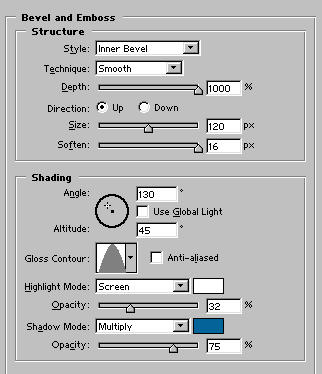
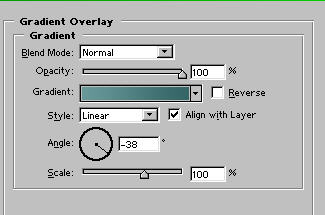
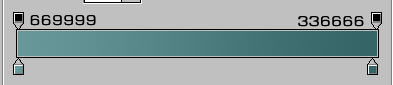
2. Apply these setting:
3. Create another layer beneath the base layer and draw another rectangle larger than the base:
4. Set #999999 as foreground color and #666666 as your background color. Select Gradient and apply reflected gradient from top to bottom.
5. Apply these blending Options:
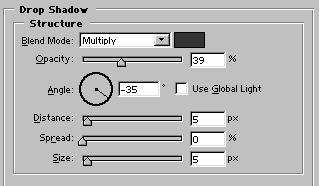
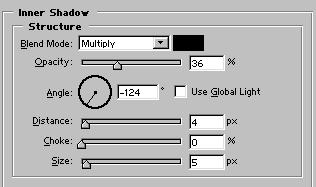
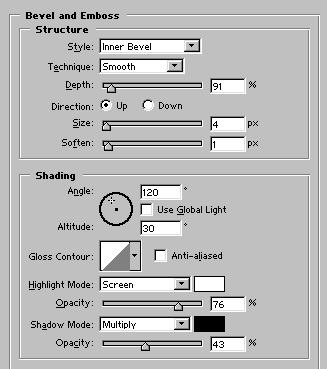
After applying these setting your button should look like this:
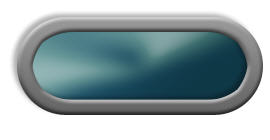
Final Result: