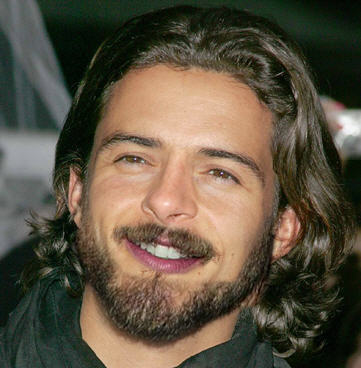
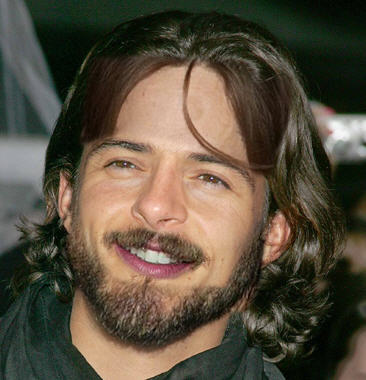
1. Open any image that you want to change. The image should be in large size.

Click to enlarge
2. Now i use the picture of Brad Pitt, with the help of lasso tool select its nose and copy it.
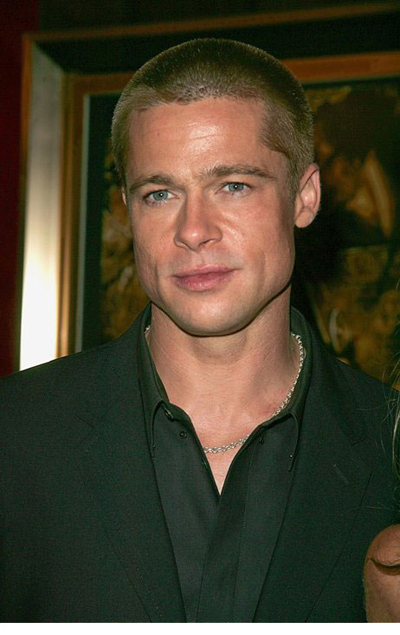
3. Paste its nose to your original image. I use Curves(Layers>Adjustments>Curves) to adjust the color of the nose.
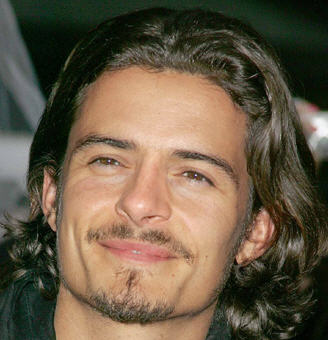
4. Then i use another picture of tom cruise and copy its lips
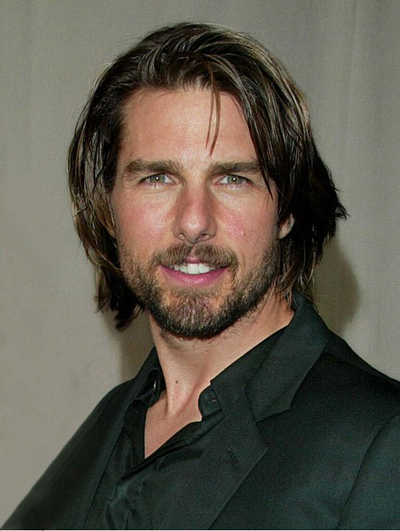
5. After pasting tom's lips and some adjustment orlando pictures look like this:)
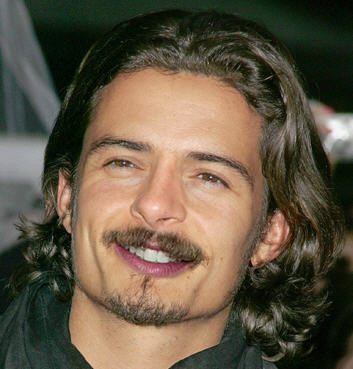
Final Result: