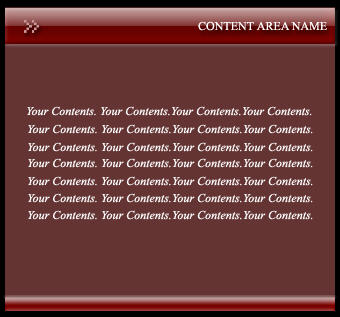
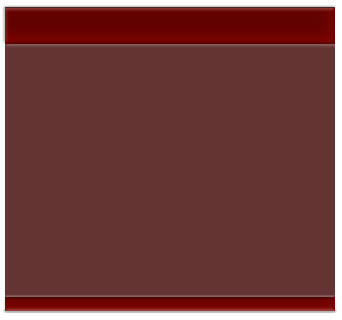
1. Start with your new document and Create a New layer. Set #663333 as your foreground color, select Rectangular Marquee tool and draw rectangular large enough for content box.

2. Create another layer and again select rectangular marquee tool and draw rectangular for the Header at the top of content box. See Below

3. Apply these effects to the header.
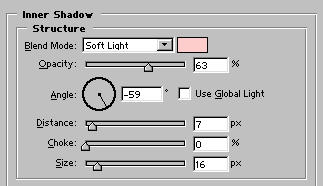
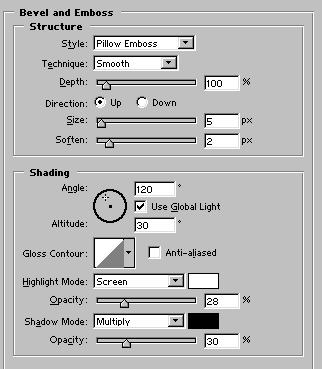

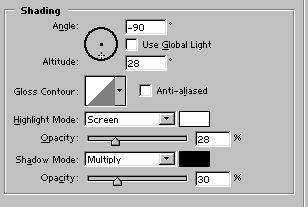
4. Draw another rectangular at the bottom of content box on a new layer but smaller than header. Now apply Inner Shadow and Bevel and Emboss effects with the same settings, but with different bevel and emboss angle.
5. Now apply reflection. Create new layer,draw a smaller rectangular and choose gradient from tool bar. Set white as your foreground color, Select Foreground to transparent from gradient editor and apply reflected gradient from top to bottom. Set layer opacity to 60%.
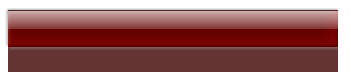
6. Apply the same reflection to the bottom. Final Result: