

1. Create a New Document 400x400px and apply gradient to diagonal from left with color #FE0000 to right with color ##8E0000:

2. Go to the Filters>Render>Lighting Effects and make 3 light sources:
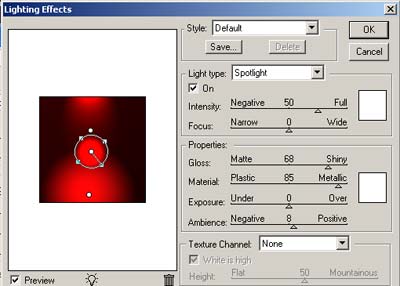
Results:
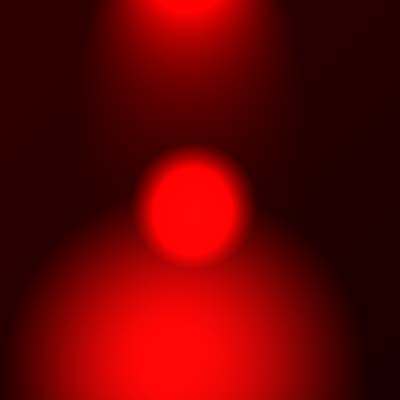
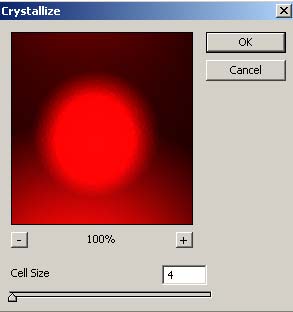
3. Apply Filter > Pixelate > Crystallize:
4. Use Smudge Tool with radius brush - 17, Strength - 60% and smudge the edges:
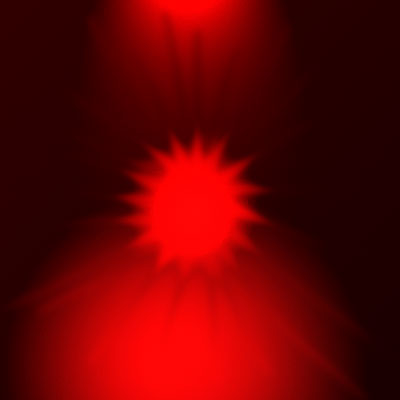
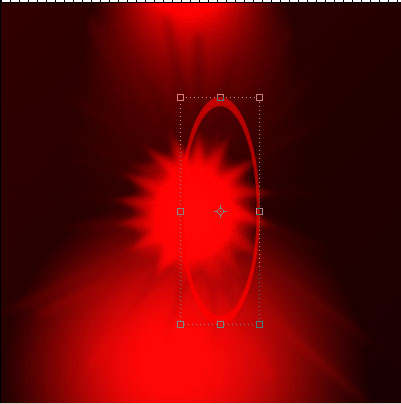
5. Draw a rings using Circle Thin Frame from Custom Shape Tool and apply blending mode Soft Light for layers with ring:
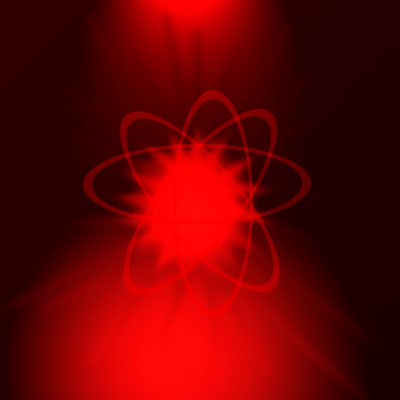
6. You can experiment more and more :) I duplicate layers with rings and apply Gaussian Blur with Radius - 2px, try to playing with Smudge Tool. My final result:
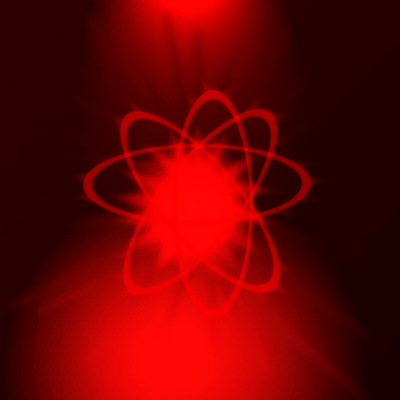
Download .PSD from here.
Good luck!
