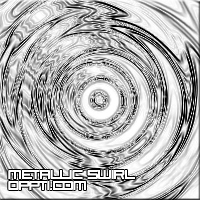
An effect that looks professional ideal for a faded image
1. Open a new document in adobe, with a white background
2. Size it about 300x300
3. Press X then D to set the colours as default
4. Go Filter --- Render --- Differance Clouds
5. Then Filter --- Distort --- Twirl and put the settings as high as possible
6. Now go Filter --- Distort --- Wave and have the settings as default
7. Then Filter --- Distort --- ZigZag and have the settings as default
8. Then Filter --- Stylize --- Find Edges
Final image