

This tutorial will show how you can easily change the time of the day in your picture. From a normal afternoon to dusk and to a bright morning.
Step 1
Open up a nice render with a good view of the sky. I will use this.
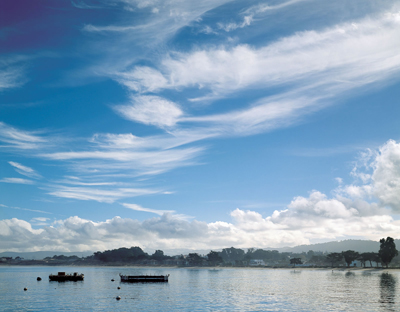
Step 2
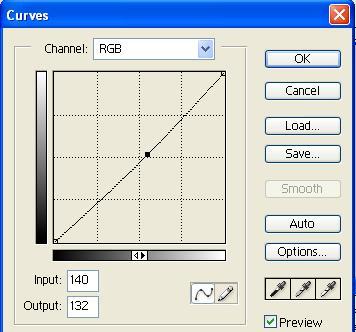
Now right off the back, go to - image, adjustments, curves. You should see this box
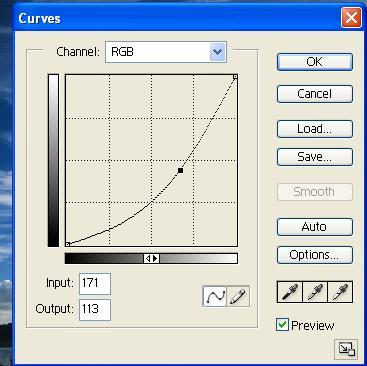
Now click and hold the middle part of the line (curve) and move it to the right some and watch as the image gets darker. Your curves box should look like this,
Step 3
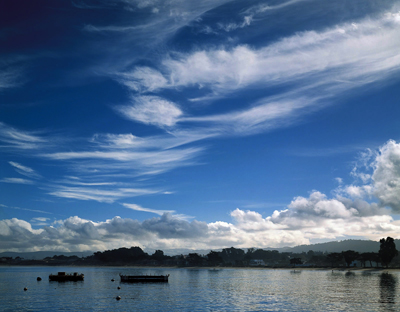
Now your pic should change to dusk like this
Step 4
Now if you want to go to day time or in our case since its already day, you can make it morning, very bright by moving it the opposite way like this
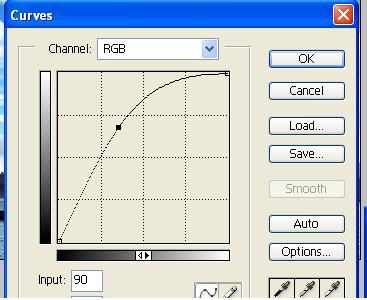
and then your final image will be
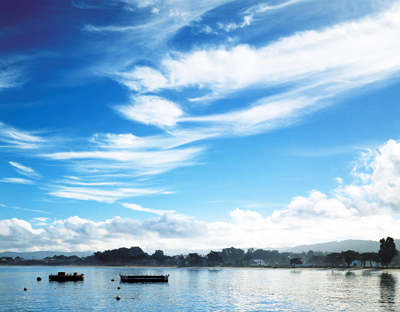
This effect is also good for photo manipulations, you can else click and drag the curve in different spots to curve the lighting more.
