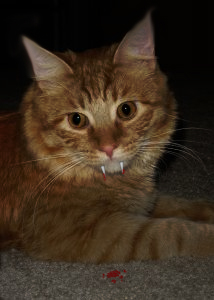
Open the picture of your cat in photoshop

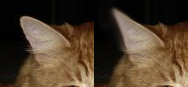
Sharpen the ears of your cat with the smudge tool (strength around 33%)
Create a new layer and use the polygonal lasso to create the vampire tooth, fill them with white. Add an inner shadow of 1px in the blending options.
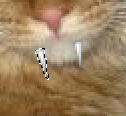
Create another layer and use your 3px brush to add some blood (#B31917) on the tooth and on the floor.
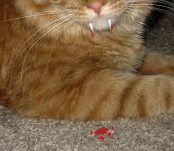
Press D to reset the colors and create a new layer. Go to Filter->Clouds and set the layer to Linear Burn with an opacity of 45%.
Done! Here's my result