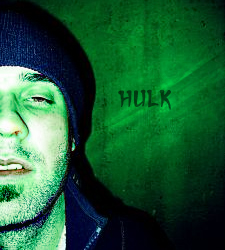
Open the picture you want to modify in photoshop

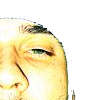
Duplicate the layer and use the extract tool (Filter-> Extract) or the eraser to remove everything except the face.
Press Ctrl+U to open the Hue/Saturation window and use theses settings
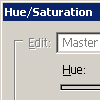
Hue: 126
Saturation: 71
Lightness: -14
and set the layer to Darken
Create a new layer and put some red (#D41A1A) on the lips, eyes, etc.
Set the layer to Color with an opacity of 30%
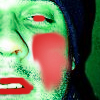
Done! Here's my result