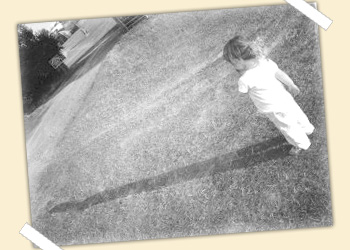
First, open the file you want to modify in photoshop. Go in Image-> Mode and set it to Grayscale.

Create a new layer and make a selection with a 5px feather inside the canvas. Then, inverse the selection and fill it in white. Set the layer to Soft light.
Create a new layer and use your grunge brushes (in white). Set the layer to Soft light.

Repeat this step as many times as you want.
Done! Here's my result