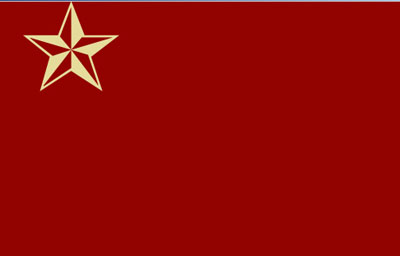
1. Start with a new document, any size. Create a star from photoshop's presets in a clay color.
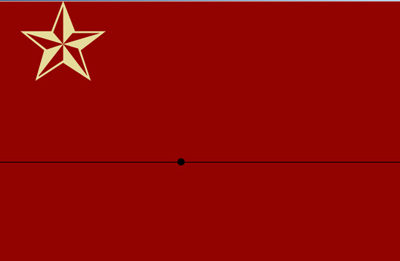
2. Draw a horizontal line at where you want your "horizon". Then put a circle in the middle of it. This is to help you keep all the points in one area.
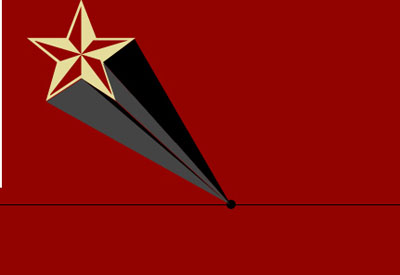
3. Begin drawing the points as I have. Use alternating colors (one hue, different shades) to make it look pseudo-3d.
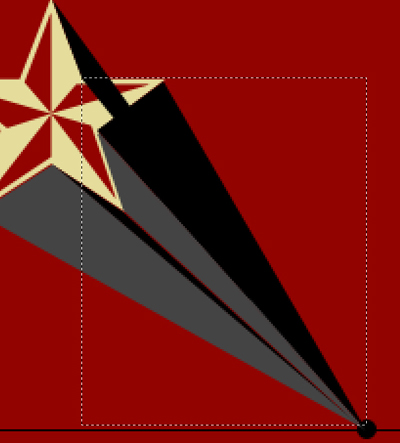
4. For the top point, you will need to cut it off where I have after you have drawn it down to the horizon-center.
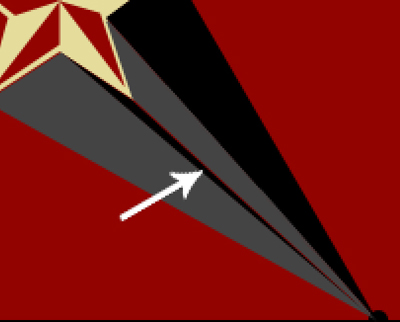
5. Delete or fill in any extra space you may have around the vector bars, though you should not have more than one tiny spot if you are doing it correctly.
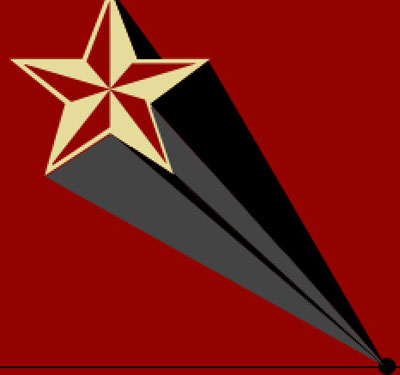
6. This effect works well in other scenes.
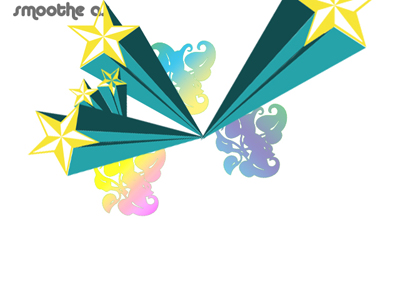
Here is an example of what you can make. I started something using the general idea.