


Start with a new document and make a new layer
Make a long rectangular selection and fill it with the color you want your ribbon to be.

Note: mine was actually a bit longer, but it didn't filth in this content box ;)
Now grab your polygonal lasso tool and cut out a triangle shape like this:
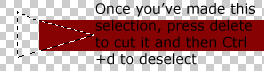
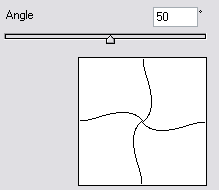
Ok, when you have this, go to Filter > Distort > Twirl. Use these setting:
You should now have something like this:
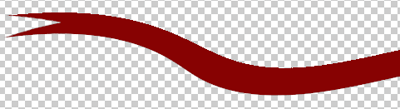
Ok now we have the shape, grab your dodge tool and also your burn tool and dodge/burn some shading/highlights, like this:
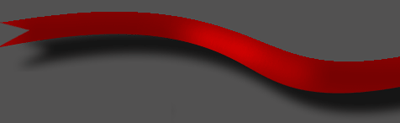
Note: I gave the ribbon also a drop shadow, but I think you can figure that out yourself, now and I made a background with #3d3d3d, always do this on a new layer
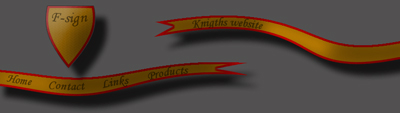
Well that's it, my end result is a bit crappy, but it's just to let you know what you can do with this ribbon:
I hope you liked our tutorials. If you did, please register or just spread the word!
