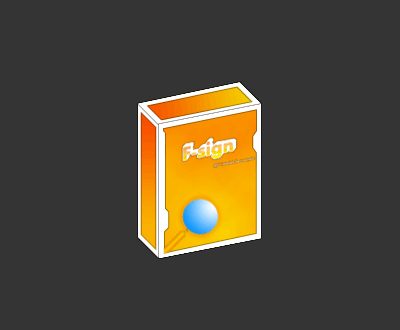
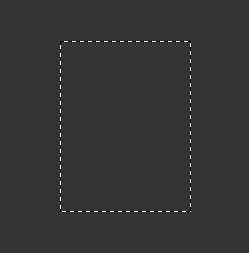
Start with a New Document and Fill the background with the color you like, then make a new layer. Make a rectangular selection and fill it the way you like it.
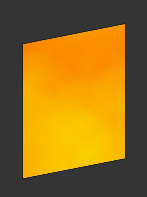
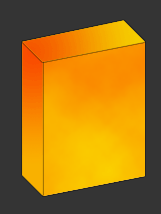
Now go to edit > transform > skew and skew it like this (I made some clouds in it with yellow and orange) :
Make a new layer. Grab your polygonal selection tool and make a selection like below and fill it the way you like it:
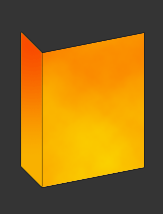
Again on a new layer, make this shape with your polygonal lasso and fill it.
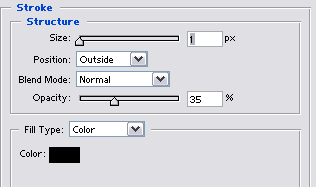
Apply these settings to all of your layers:
That's it, just add some text, a border or some images if you like. You might get this: