

1. Create New Document 200x200px with white background.
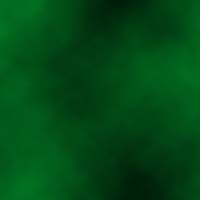
2. Set Foreground Color to #007A29, Background Color to #000000 and apply Filter>Render>Clouds:
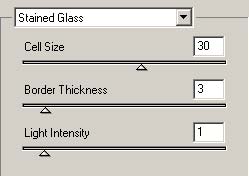
3. Switch Background Color to Foreground and go to Filter>Texture>Stained Glass:

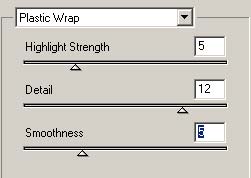
4. Going to Filter>Artistic>Plastic Warp:
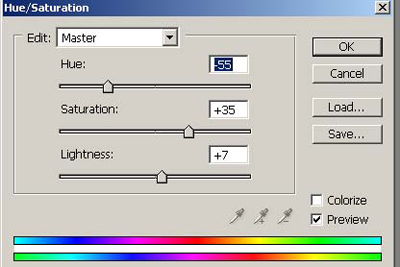
5. Apply Image>Adjustments>Hue/Saturation:
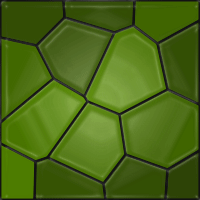
My Final Result:
Good luck!
