

Make a new file with 500x400 parameters and 72 dpi. Making this picture, we'll need the earth photo
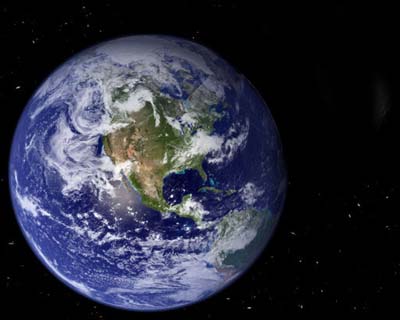
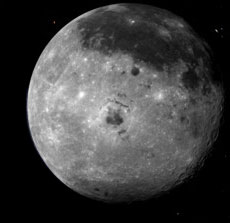
and Moon's one
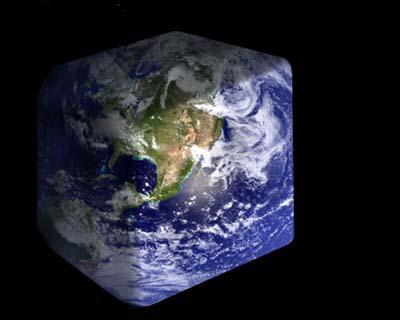
Take the planet's photo and make a new background under this one. Pain it in black. On the planet's background, cut out using this instrument
 , like in the picture.
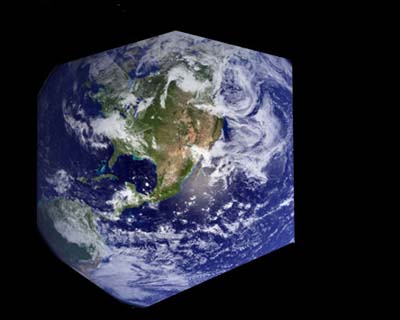
Make another background and using the following instrument
 , black color and Opacity of 5%, create the shadow, which will give us volume.
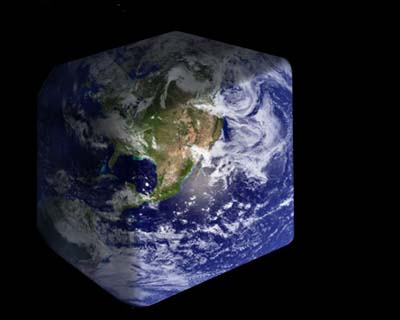
The light part of the square Earth needs to be lightest and we'll do it, using the instrument
 (Highlights)
Take the Moon's photo now and place it in our work.
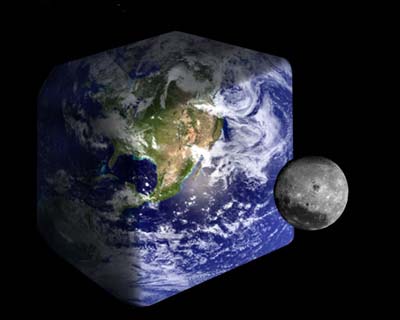
Do the same operation you did with the Earth. Give shadow to the Moon by using the instrument
on a new background.
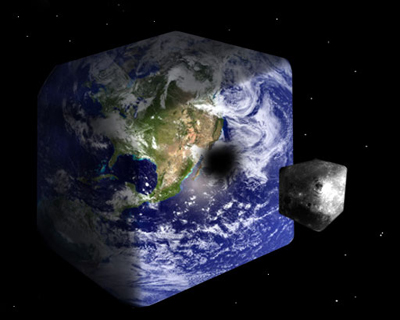
The final result.
