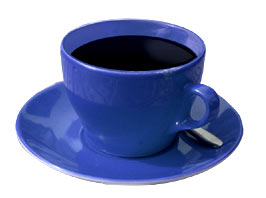
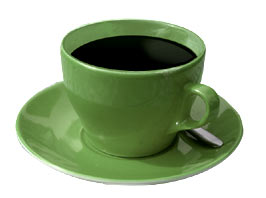
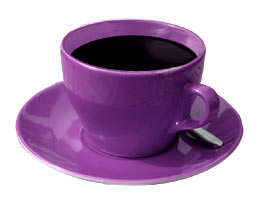
1. Open the original image
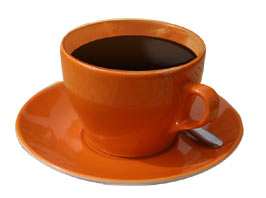
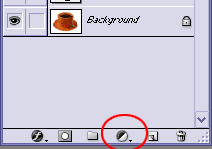
2. Click on the symbol for "Create a new fill or adjustment layer" and select the hue/saturation option.
3. Make your adjustments and a new layer will show up. Here, I also made some adjustment in the Levels option.
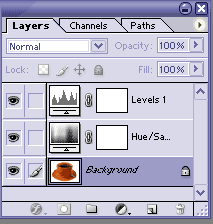
4. Then you can change it to any other color just using this adjustment "layer"