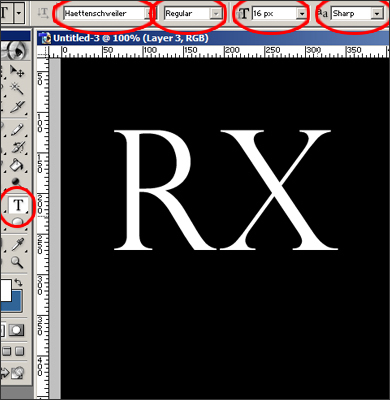
1. Cover a background with black color (G), choose an instrument "text" (T) and write "RX".
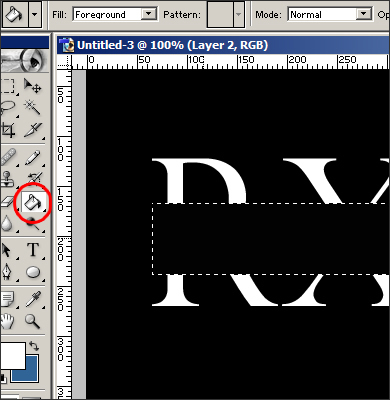
2. Make a rectangular selection (M) and cover it with the color of our background.
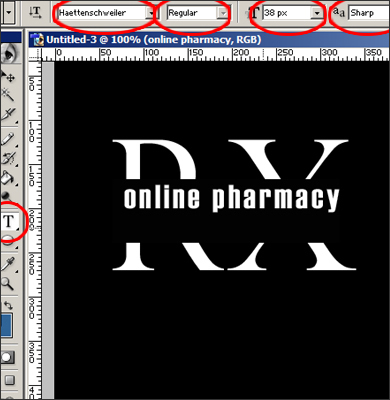
3. Write the name of the site.
4. Write a slogan (by a small font with the extended interval).
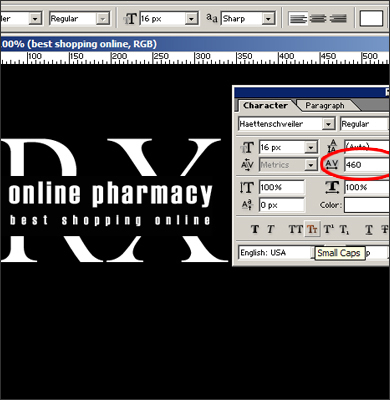
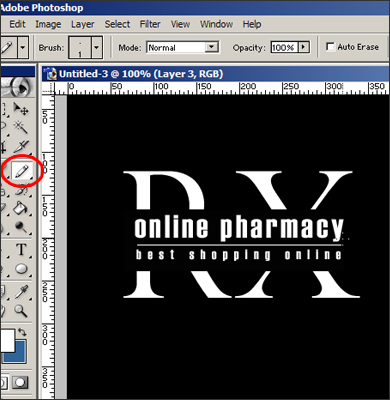
5. Choose an instrument "pencil" (B) and draw a horizontal line (1 px) between the name of the site and the slogan.