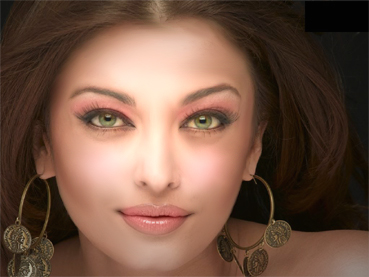
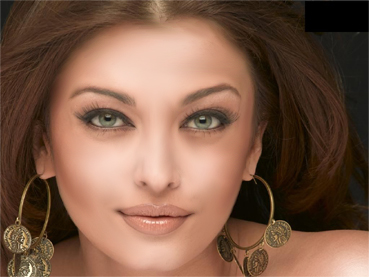
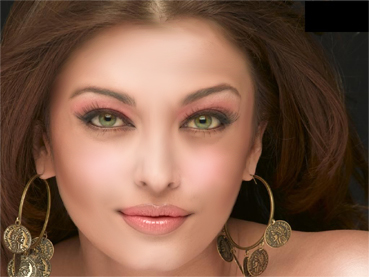
In this adobe photoshop 7.0 tutorial you will learn to apply makeup to a girl. Open your image.
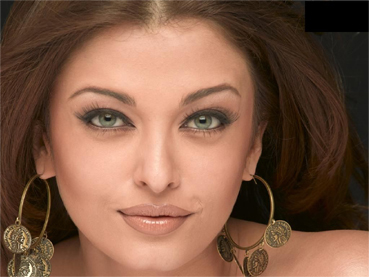
Select Smudge tool and apply these settings :

Drag the smudge tool over the face, leaving eyes and lips.
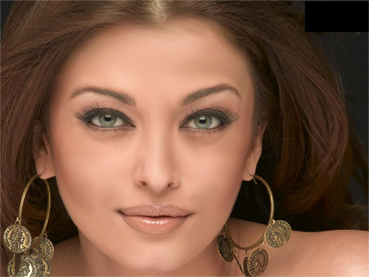
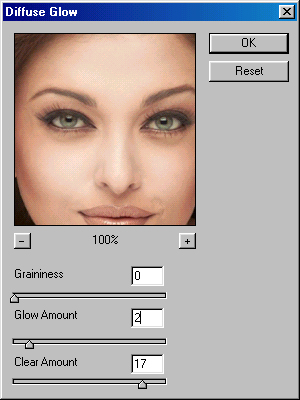
Now, go to filter>distort>Diffuse glow and apply these settings:
Now, select Sponge tool :
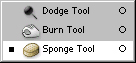
Apply these settings :

Drag the tool over the eyes :
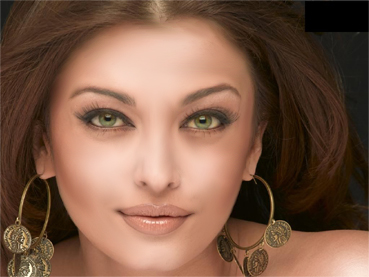
Now, select soft feathered brush. Set the foreground color to #F98B8B. Set the opacity to 5% and drag the brush as shown:
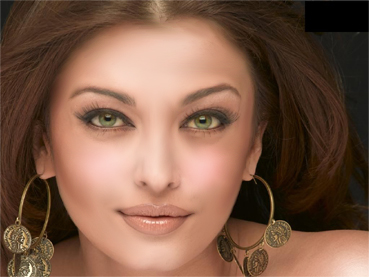
Increase the opacity the brush from 5% to 15% and drag the brush over the eyes and lips :
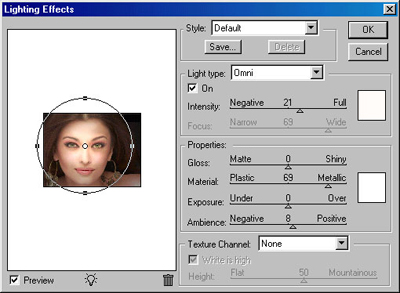
Finally, go to filter>Render>Lighting Effects and apply these values :
Our image is ready :)