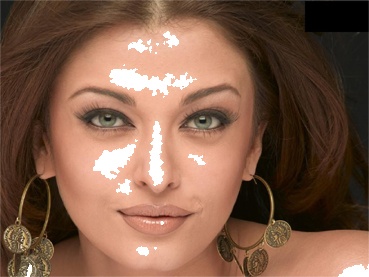
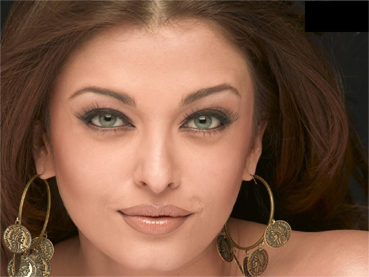
Open your image. Press control+j to duplicate the layer.
We will use crystallize filter Go to filter>Pixelate>Crystallize and give the value as shown:
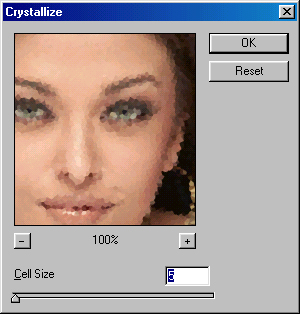
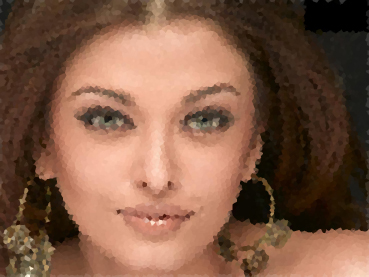
Image after applying Crystallize filter.
Go to image>adjustment>Threshold and give these values:
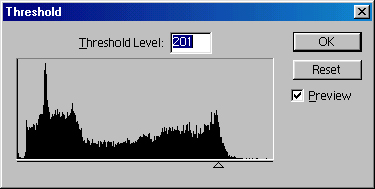
Image after applying threshold filter.
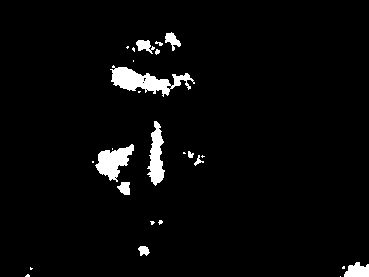
Change the layer mode to Screen. You now have a scrubbed wall image effect :)