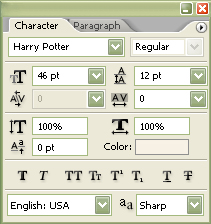
We'll begin this tutorial, by creating a new canvas at a size of 267 x 154 then select the "Text Tool" and use the below settings. Download the "Harry Potter" typeface here.
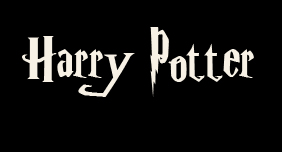
Now type in your text.
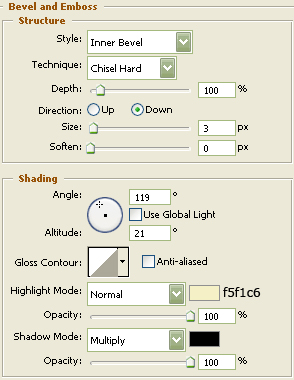
Now right click the text layer in the layers palette and select, "Blending Options...". Now click on "Bevel and Emboss". Do not click "OK" as of yet. Still more to do.
You should now have the following:
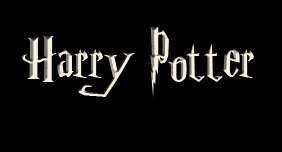
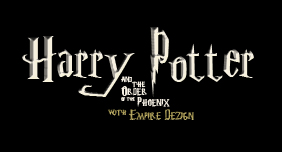
The Results!!!
I hope you enjoyed this tutorial.