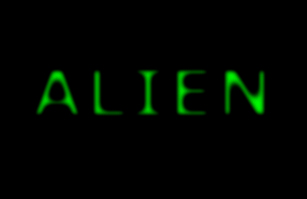
We'll begin this tutorial, by selecting the "Type Tool." Choose Verdana, Bold as the typeface at a size of 70 with 3cff00 as the color. Type "ALIEN" and move to step 2.
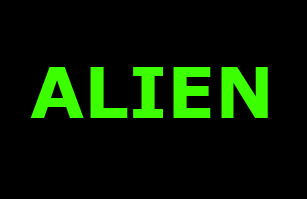
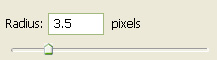
Then go to "Filter" then "Blur" then "Gaussian Blur" and use the following settings.
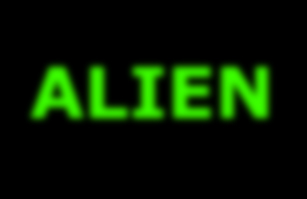
You should now have the below image.
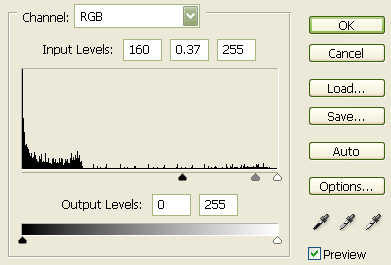
Next, merge the text layer and the background layer together, then go to "Image" then "Adjustments" then "Levels" and use the following settings.
You should now have the below image.
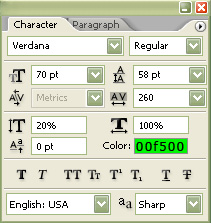
Select the "Text Tool" again and type "TEXT" using the below settings:
You should now have the below image.

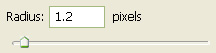
Then go to "Filter" then "Blur" then "Gaussian Blur" again and use the following settings.
You should now have the below image.
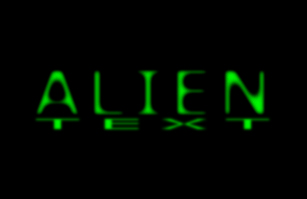
The Results!!!
I hope you enjoyed this tutorial.