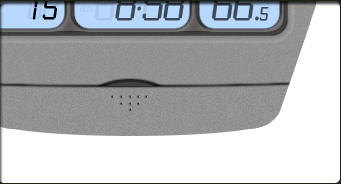
To begin this tutorial you will need to have your image or interface ready. I have drawn out a stretched triangle for a template to go by.
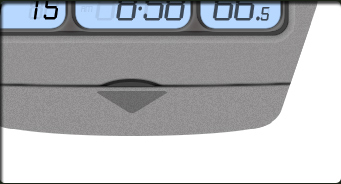
Now you can create a new layer (Shift+Ctrl+N on Windows or Shift+Cmd+N on Mac) and select the "Brush Tool" I used a brush size of 4 with 100% hardness.
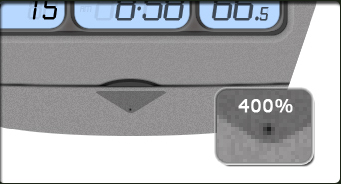
Keep creating your bumps until satisfied.
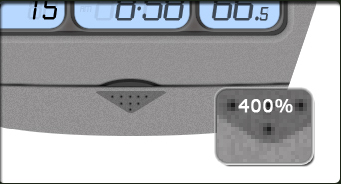
Once satisfied, create a new layer (Shift+Ctrl+N on Windows or Shift+Cmd+N on Mac) and draw some white dots as I have already done. Brush size at 1.
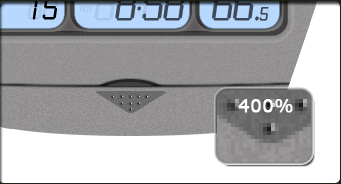
Once you have the white dots complete, simply turn the opacity down and delete the triangle template shape and your as good as done.
The Results!!!