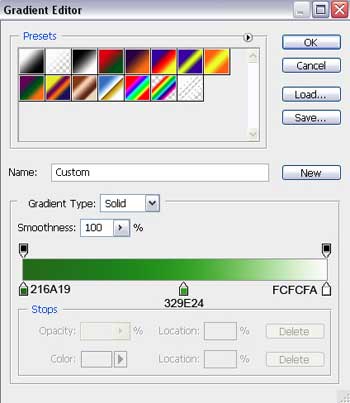
Open a new file that would have 400x807 px, 72 dpi. Then delete out of it the background.
Select the next instrument
 to represent the basis for the next Easter egg.
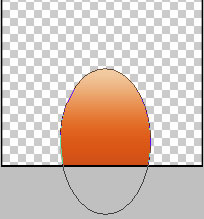
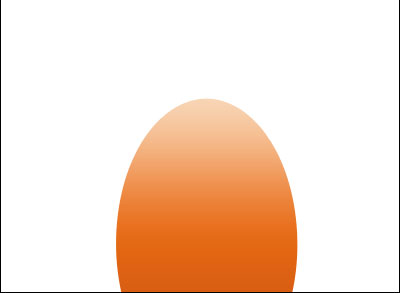
Fill 0% on the layers.
Blending Options-Gradient Overlay
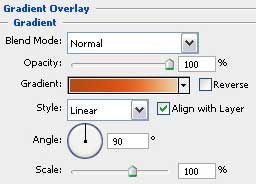
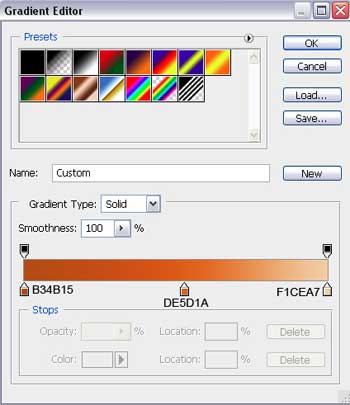
Gradient's parameters:
Select the previous instrument and try to represent an ellipse on the egg.
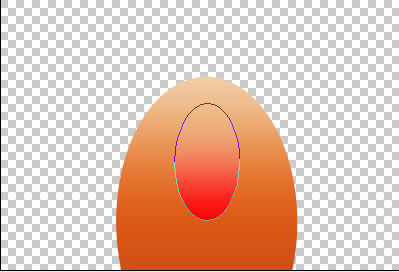

Fill 0% on the layers.
Blending Options-Gradient Overlay
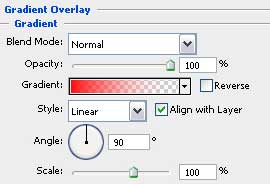
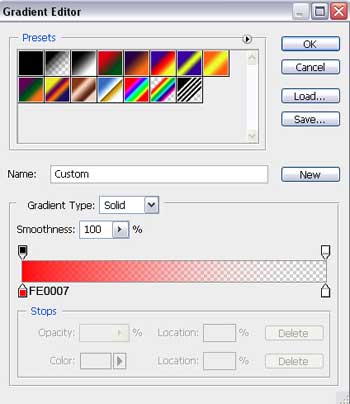
Gradient's parameters:
Using the here shown tool
 , it's possible to represent a part of the egg's ornament.
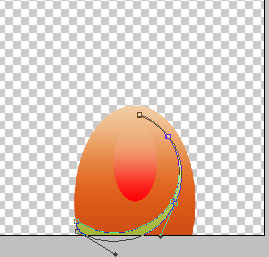
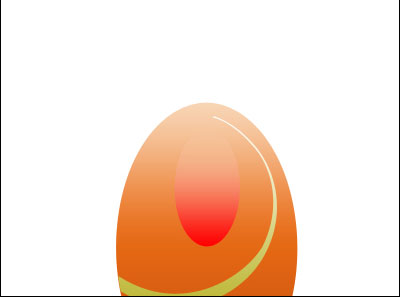
Fill 70% on the layers.
Blending Options-Gradient Overlay
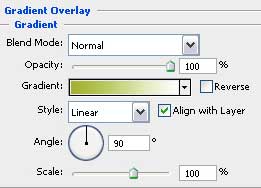
Gradient's parameters:
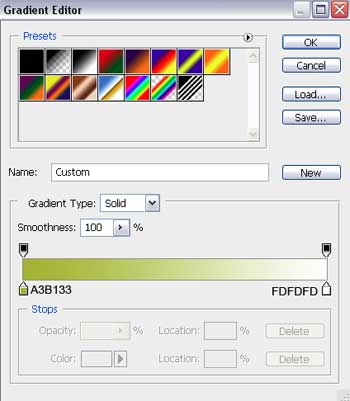
Make two copies of the recently made layer and select the Free Transform option to correct the size of the copies and their location.
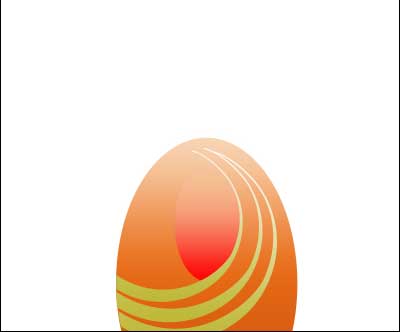
Now we should combine in a group all the layers composing those three green stripes.
Make a copy of this group and apply again the Free Transform option to turn the copy around and to make it look exactly the way it is shown below:
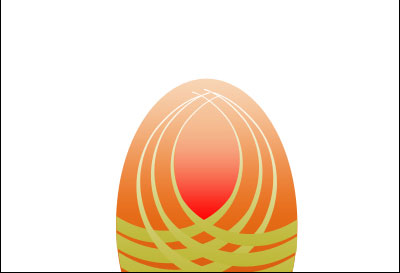
Using the next instrument
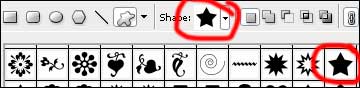
 , choose the corresponding cliche like it is represented on the picture.

Draw a small star with a cut in its middle, applying the same instrument, used before. Represent first the outside edges and then click the Alt button to cut out the figure's middle.
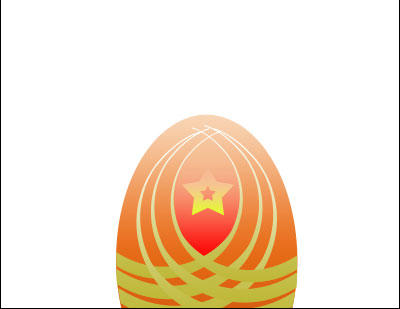
Select the already known instrument
to represent a gleam on the egg.
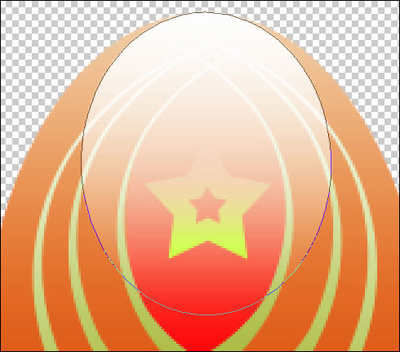
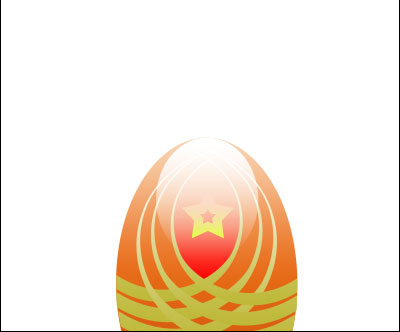
Fill 0% on the layers.
Blending Options-Gradient Overlay
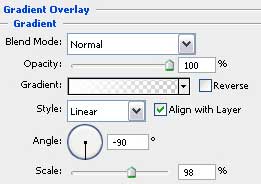
Gradient's parameters:
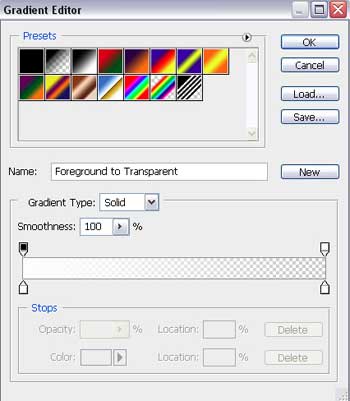
For your convenience, now we should merge down in a group all the layers composing the Easter egg and hide it for a while.
Start representing one more egg.
Select again the instrument
to represent the basis for the egg to be.
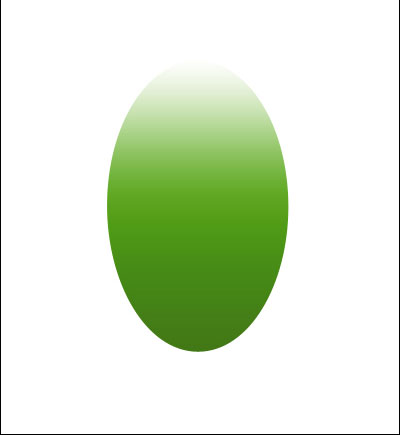
Fill 0% on the layers.
Blending Options-Gradient Overlay
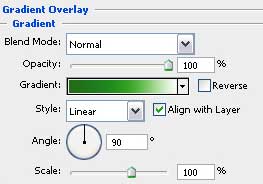
Gradient's parameters: