For the base of paper clip board, we will use Rounded rectangle tool
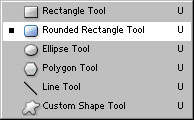
Set the radius to 15 px

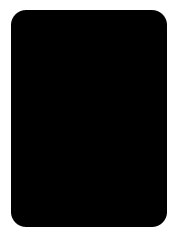
Draw the base of paper clip board as shown :
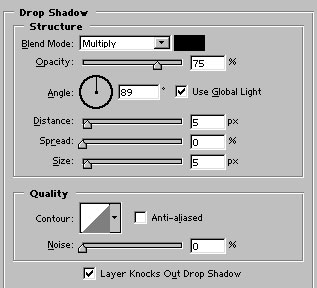
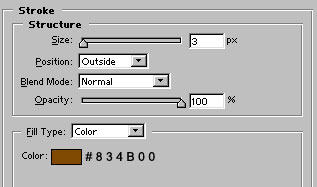
Apply these layer styles in the base of paper clip board :
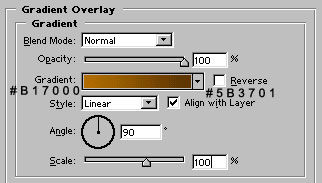
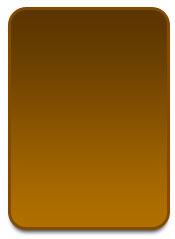
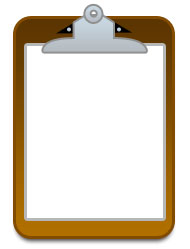
Our base of paper clip board is ready :
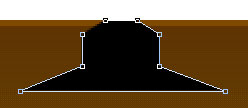
Now, we will draw clip for paper clip board. Use pen tool to draw this shape :
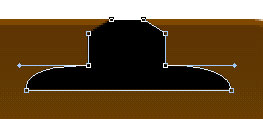
Adjust the nodes as shown :
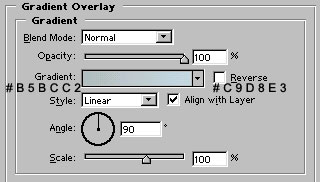
Apply gradient overlay as shown :
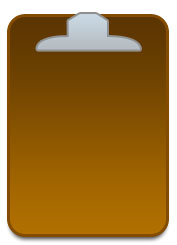
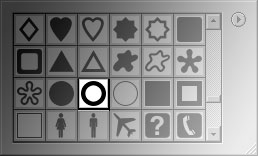
Now, select this autoshape :
And draw the shape above the clip of our paper clip board :
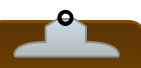
Apply similar layer style in it as we applied for the clip of paper clip board :
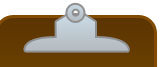
Draw this shape behind the clip of paper clip board :
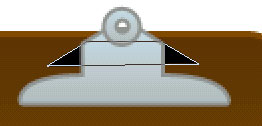
Draw two tinny circles with ellipse tool as shown. Use #BFCAD3 color for these shapes :
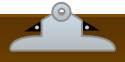
Now, draw this shape behind the clip of our paper clip board with rectangle tool.
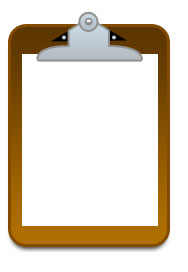
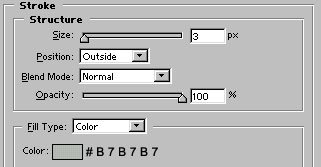
Apply stroke as shown :
Select line tool :
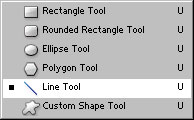
Set the weight to 2 px

Draw #D4D4D4 lines as shown. Our paper clip board is ready :
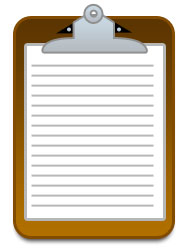
You can also draw custom shapes behind the lines.