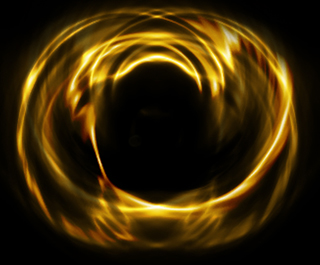
1. Open a new canvas, 500 x 500 or any size you like.
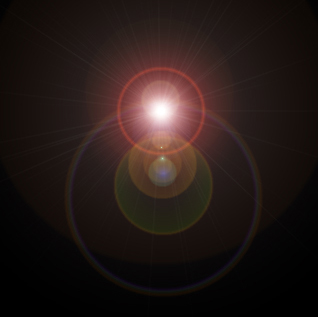
2. Go to Filter -> Render -> Lens Flare and make it look something like this:
3. Filter -> Distort -> Ripple. Make it 300%.
4. After that chrome it. Filter -> Sketch -> Chrome. 4 for detail and 7 for smoothness.
5. Filter -> Distort -> Twirl. 300 degrees.
6. And finally, set the hue. Press Ctrl + U and click colorize.
7. Change the hue number to whatever you want.
Finished Product:
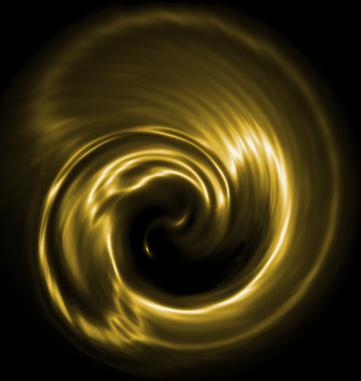
Variation: