

1. Make background (340x120 in my case)
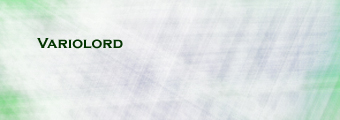
2. Write down your nickname
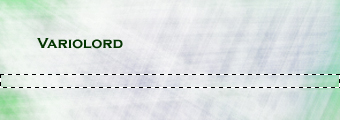
3. Make rectangular selection - this will be our bar
4. Make new layer and fill your selection with color
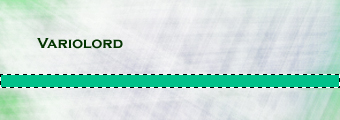
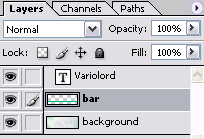
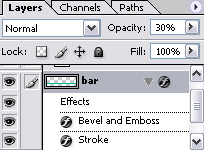
5. Do some blending modifications, and change opacity to 30%
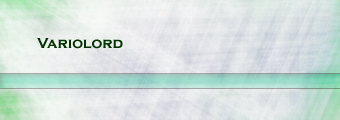
6. Then move bar layer and the image to the top
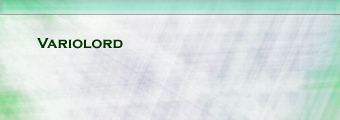
7. Switch to imageready (ctrl + shift + M)
8. In animation tab duplicate first frame
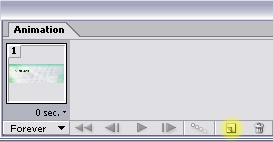
9. Select second frame and move bar to the bottom of your picture
10. Select first one, and press tween (on the left from duplicate button). add about 5 frames
11. Then select last frame, select "tween with: first frame" and again add 5 frames and here we go
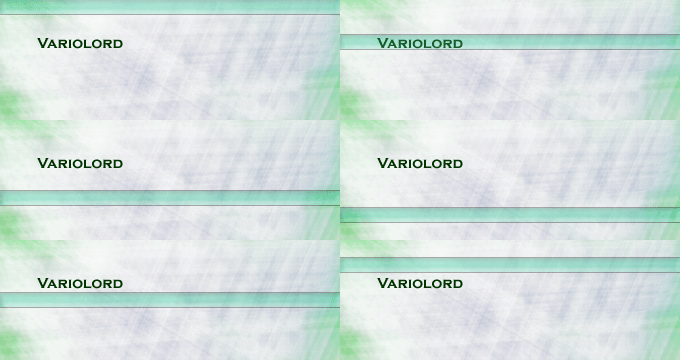
Good luck (still i prefer static image for this background).
