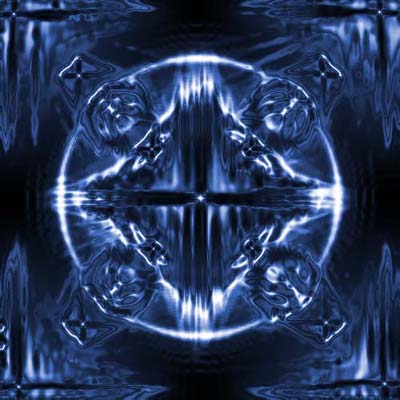
1. New document 400x400. Fill it with black.
2. Place 4 lens flares like this:
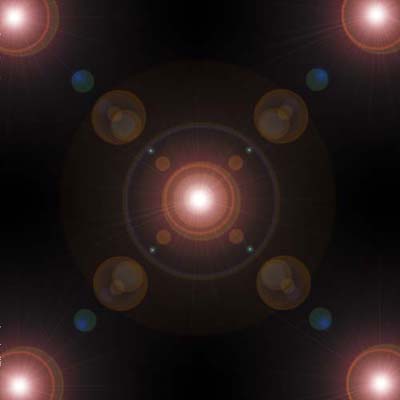
3. Filter-Stylize-Wind (Wind, From Left) an then same only from the right.
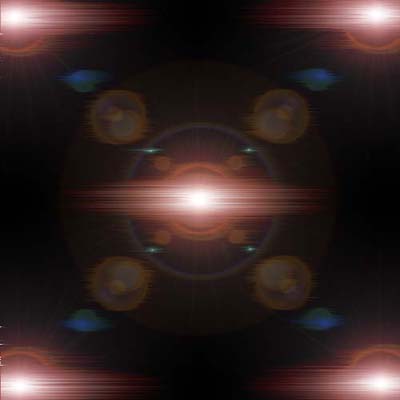
4. Duplicate layer. Edit-Transform-Rotate 90 CW.
5. Filter-Stylize-Wind (Wind, From Left) an then same only from the right.
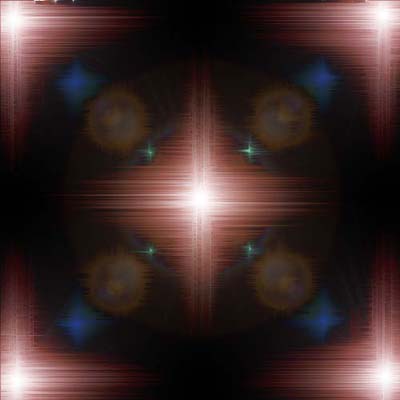
6. Edit-Transform-Rotate 90 CCW. Merge layers (Ctrl-E).
7. Filter-Sketch-Chrome (Detail:10, Smooth:1)
8. Filter-Styilize-Find Edges. Inverse (Ctrl-I)
9. Duplicate layer. Blending mode to Screen. Merge down (Ctrl-E)
10. Colorize (Ctrl-U) and your done!!!