1. Make a new document, I used 300x300.
2. Select the Brush Tool and now select:
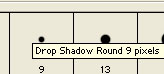
From the brush menu...
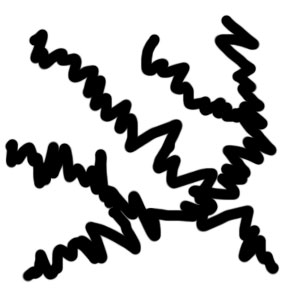
3. Make crazy zig zag lines like below:
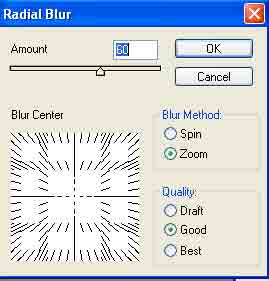
4. Filter>Blur>Radial Blur with these settings:
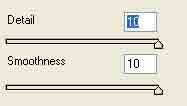
5. Filter>Sketch>Chrome with these settings:
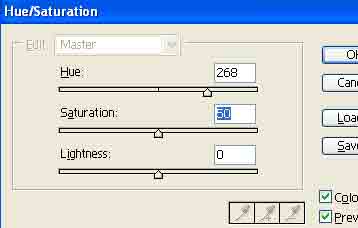
6. Apply these hue settings, press Ctrl+U:
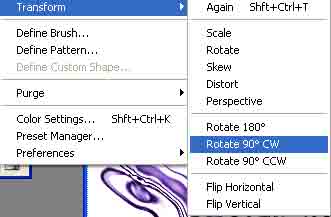
7. Right click the layer and go to Duplicate. Now go to Edit:
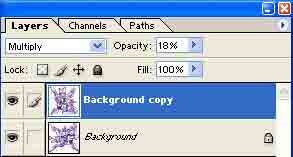
8. Change the blending change to Multiply with around 20% opacity:
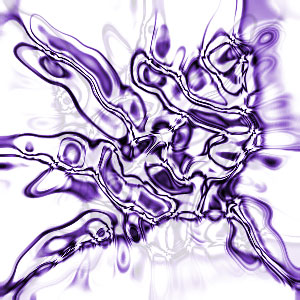
Badda boom badda bing: