1. Make a 400x400 document. Now press "D" on your keyboard to reset the foreground and background colors to black and white. Make sure your background is WHITE.
2. Make a new layer. Now select the paint brush tool and use the Permanent Marker Brush. On the new layer make a few squigly lines like below:
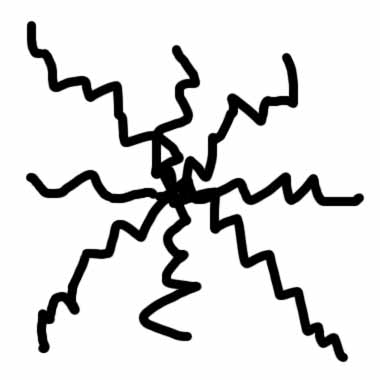
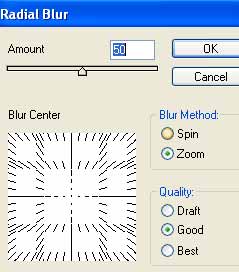
3. Apply Filter>Blur>Radial Blur with these settings:
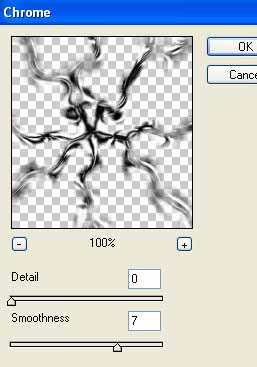
Now apply Filter>Sketch>Chrome with these settings:
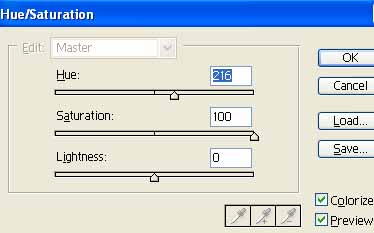
4. Practically done now, just got to color the star. Press Ctrl+U. Apply these settings:
There your done: