1. Make a 400x400 document. Make your background color: #383838.
2. Use the Rectangular Marquee Tool and make a nice sized rectangle selection like mine below:
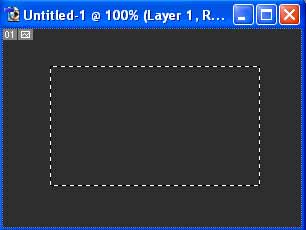
Make a new Layer and fill the selection in like so:

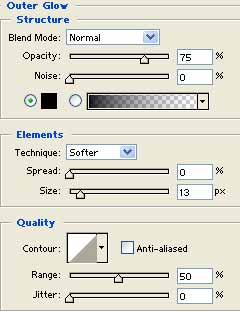
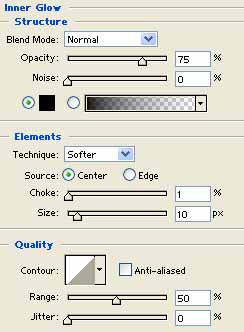
3. Right click the black rectangle layer and go to Blending Options. Apply these settings 3 settings and options (follow closely):
Pattern Overlay
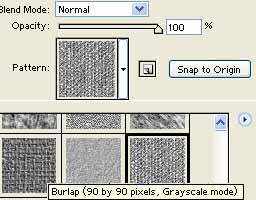
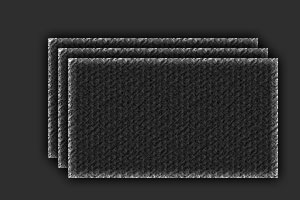
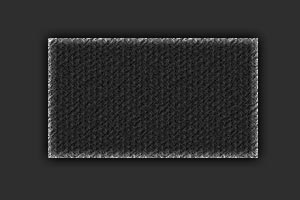
There you go, your metal plate should look similar to mine below:
Plates overlapping each other: