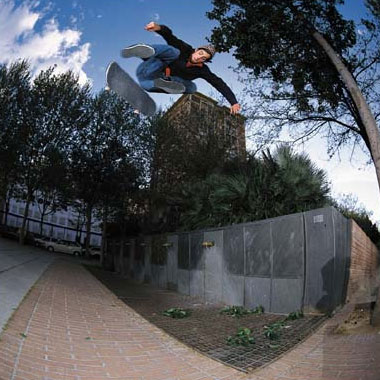
1. I used a picture I got from Skateboarding.com. It's Kenny Reed doing a backside flip. Anyway, feel free to use any type of image, or you can use the one I used below:
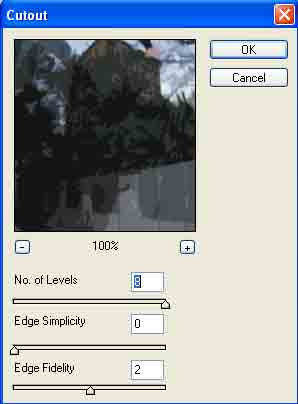
2. Now apply Filter>Artistic>Cut Out and use these settings:
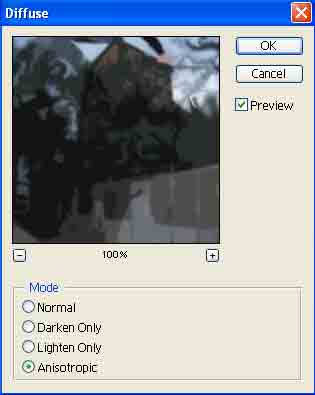
3. Apply Filter>Stylize>Diffuse and use these settings(this will smoothen out our retro picture):
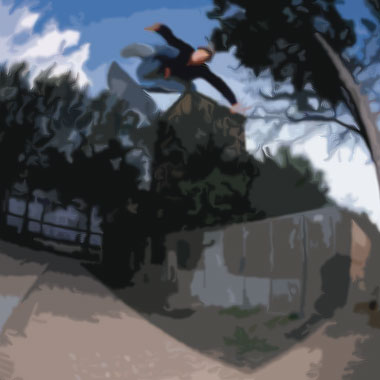
Pretty simple eh, thought so. Your final product should be similar to mine, just in better quality: