1. First Open a new document here I have take document size 400x400. using File > New .
2. Press 'D' key to get color defaults
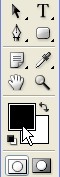
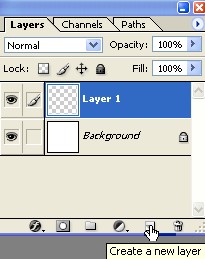
3. Create a New Layer1 as showed below
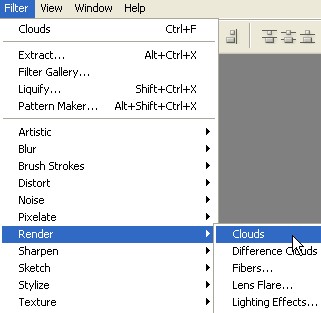
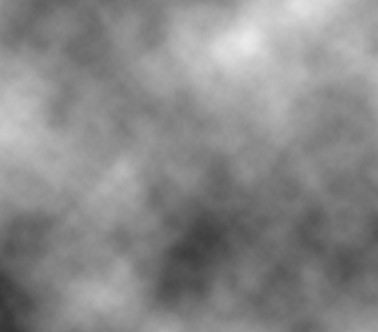
4. Now Go to Filter > Render > Clouds
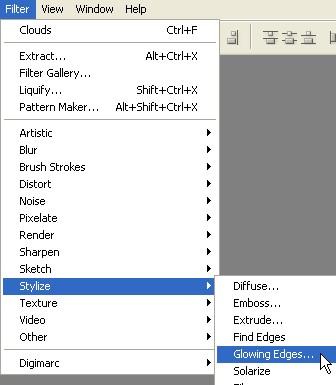
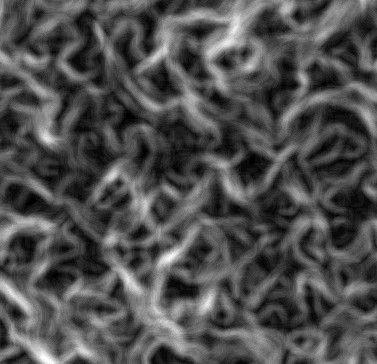
5. Go to Filter > Stylize > Glowing Edges ....
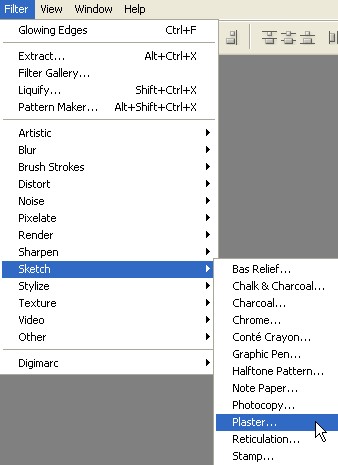
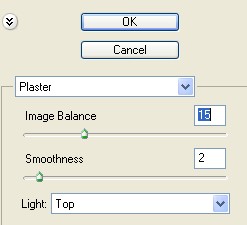
6. Now again Go to Filter > Sketch > Plaster ...
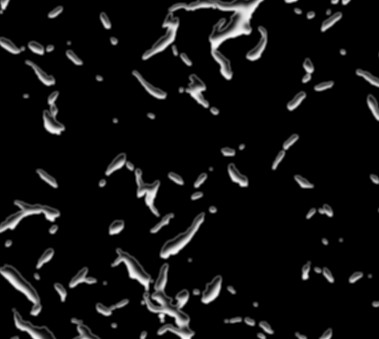
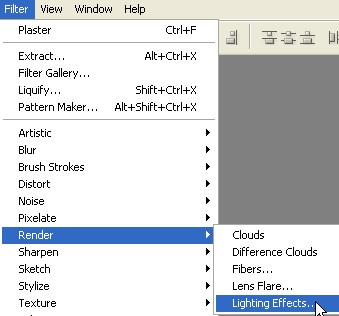
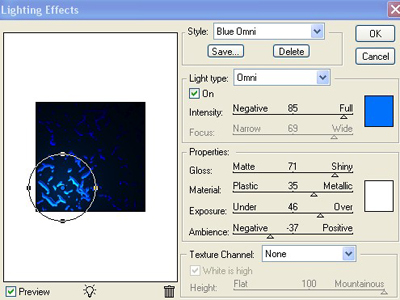
7. Go to Filter > Render > Lighting Effects ..

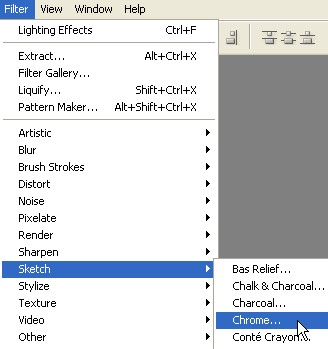
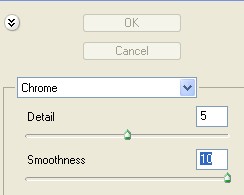
8. Now go to Filter > Sketch > Chrome ..
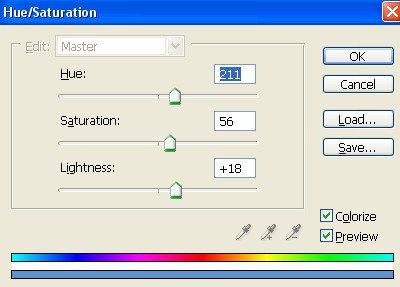
9. Press Ctrl+U for Hue/Saturation . now complete formely of Hue/Saturation which is appearing below
10. Now your image has complete